What Should I Automate?
Airtop is best at automating repetitive tasks that require interacting with the web. If you have a task that needs to be completed daily, weekly, or monthly, and it involves interacting with the web, including navigating to websites, logging in to services, or filling out web forms, then Airtop is the right choice. Some good use-cases for Airtop are:- Filling out web forms
- Collecting data from web pages
- Lead generation
- Monitoring social media
- Engaging with social media posts
- Really anything you can think of…
Use a Template
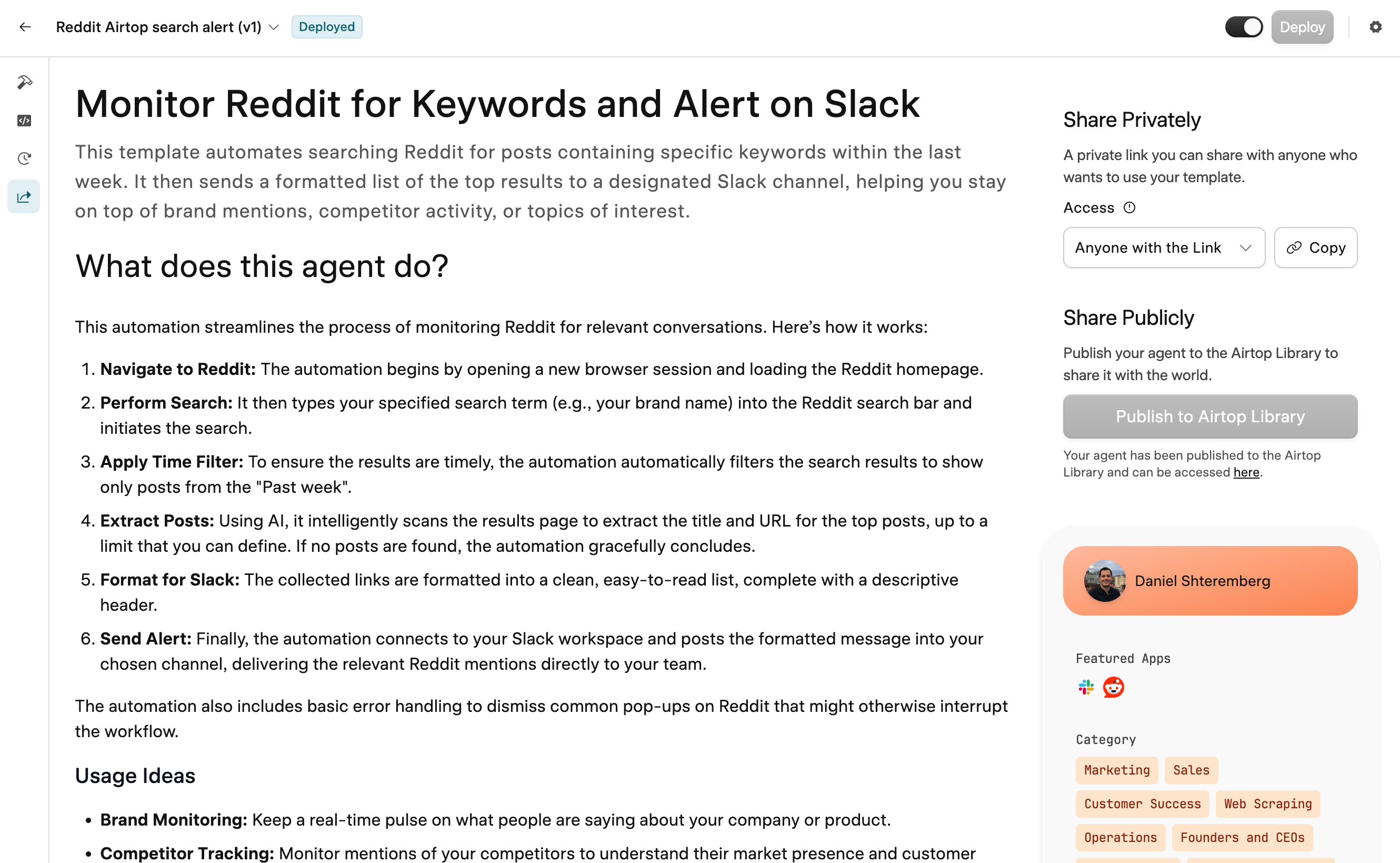
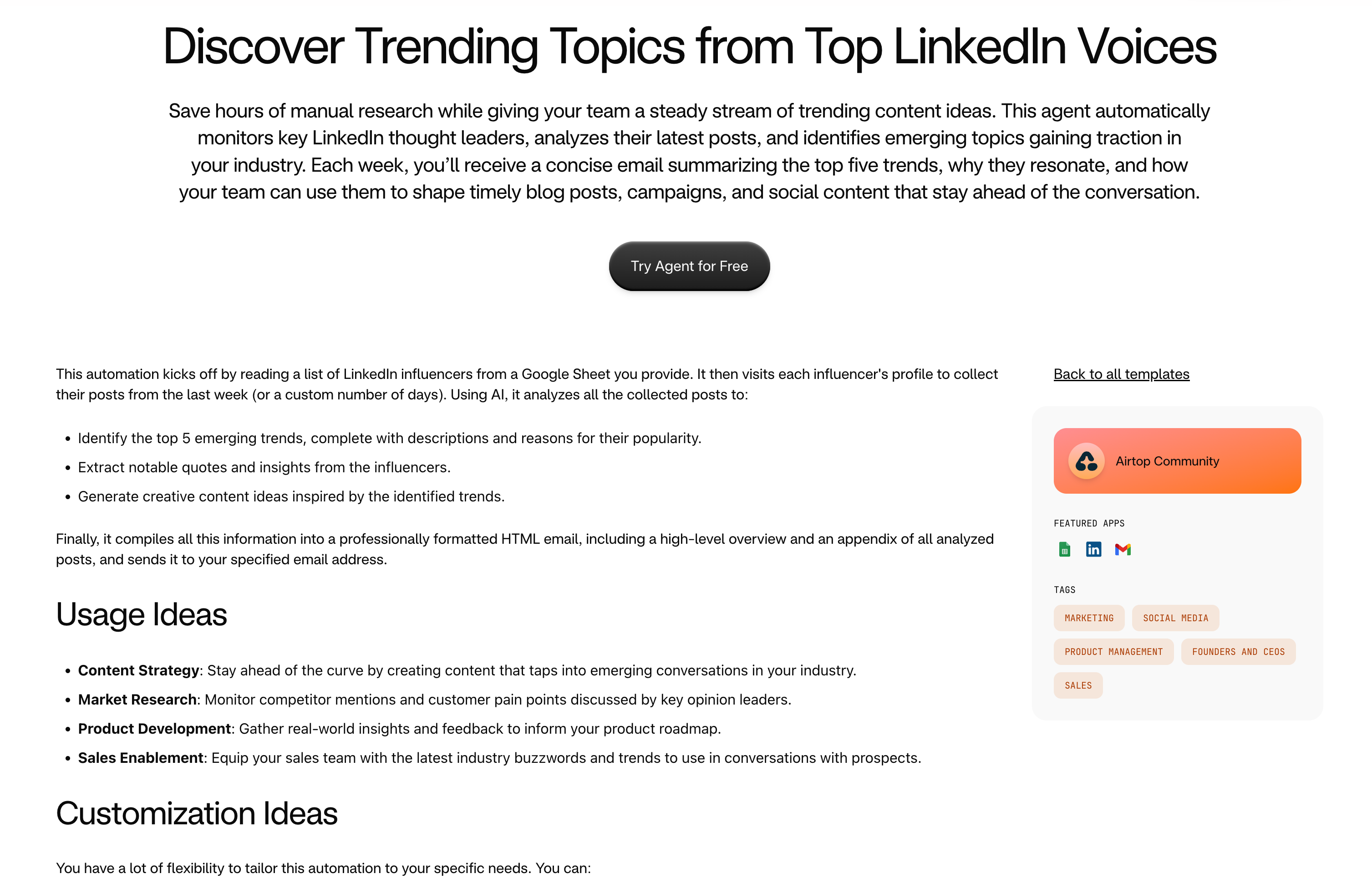
Templates are the fastest way to start automating the web with Airtop. Airtop templates are pre-built, customizable automations built by Airtop and our community. These templates have been tested and approved by Airtop. Remixing a template takes substantially less time than building a custom agent. They also require fewer credits to build with than starting from scratch, as much of the automation legwork has already been completed. To remix a template, go to Templates, select a template that fits your needs, and click “Try Agent.” Then simply tell the Assistant how you’d like to change the template. If the template is already very similar to what you need, then you will just need to connect the necessary integrations and adjust any desired parameters. The Assistant will guide you through this process step-by-step.
Start from Scratch
If there are no templates that fit your automation needs, then you can build an agent from scratch. Navigate to: Agents Sign in or create an account if needed. Creating a New Agent Click ”+ Create New Agent” in the top righthand corner of the Airtop Portal. Then describe what you want to automate. Be clear and concise with your prompt.