

Overview
When you build an agent with Airtop, it might interact with services via APIs, or via a web browser. Airtop supports a few direct API integrations, but uses a web browser for anything else. Airtop lets you authenticate with both types of services, in a way that is easy to manage, secure, and allows your agent to access those services in the background.Integrations
Airtop supports a few API Integrations. If you ask Airtop to use one of these services, the assistant will prompt you to authenticate. First, you’ll be prompted to authenticate with the service.
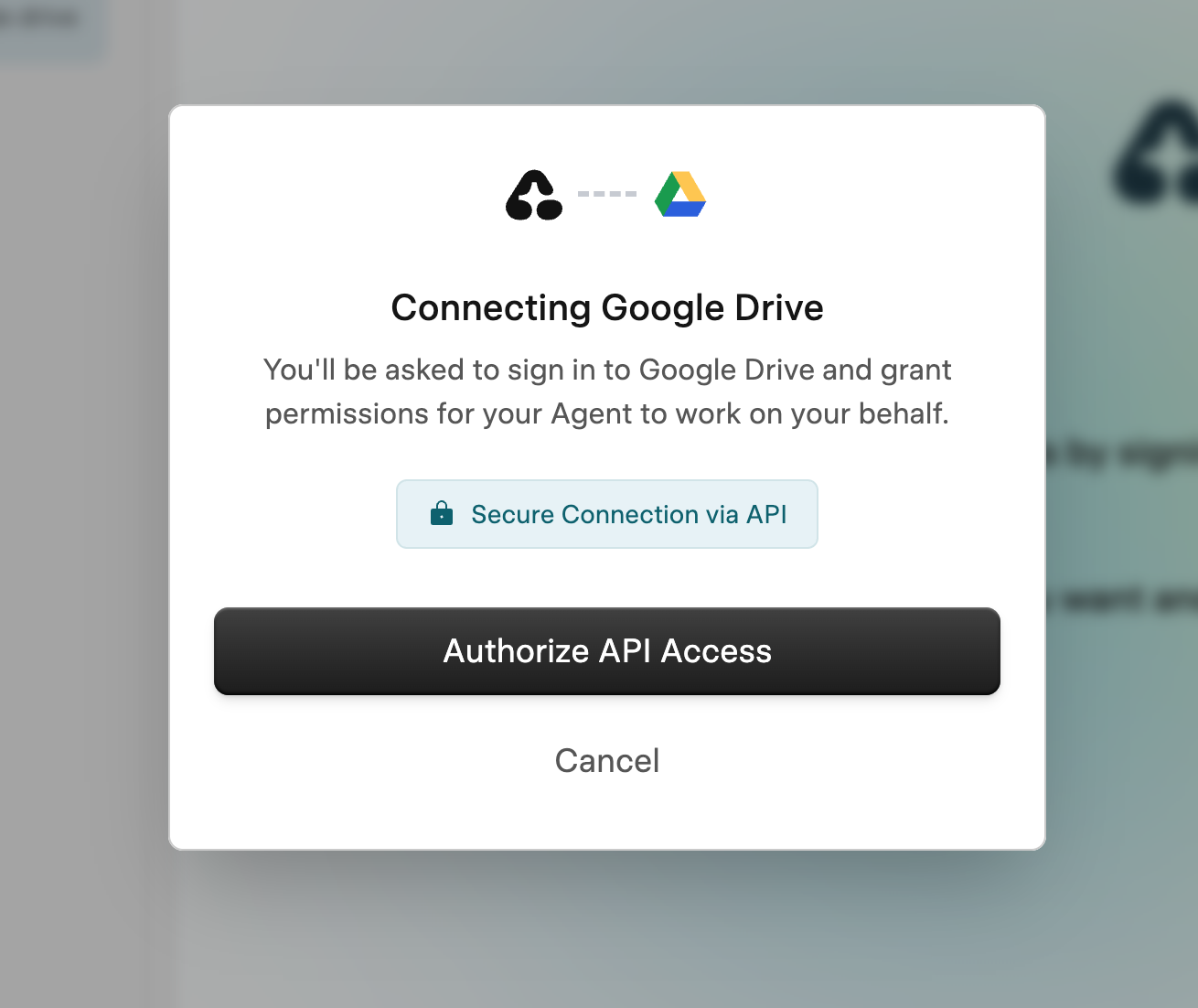
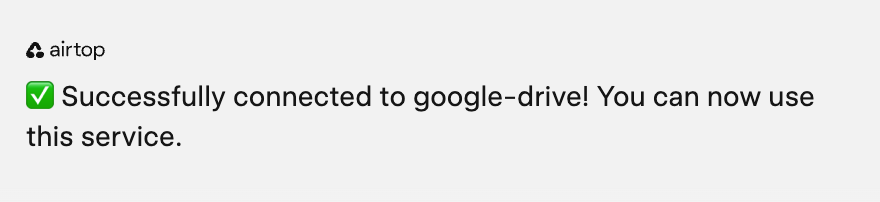
Web Profiles
For services that don’t have direct API integrations, Airtop uses web browser profiles to authenticate and interact with websites. These profiles are created and managed by Airtop, so you don’t have to worry about managing them. Each agent has its own profile. When the Assistant detects that you need to be logged into a site to access it, it will prompt you to authenticate. You can log into the site directly in the embedded browser and let the assistant know when you’re done.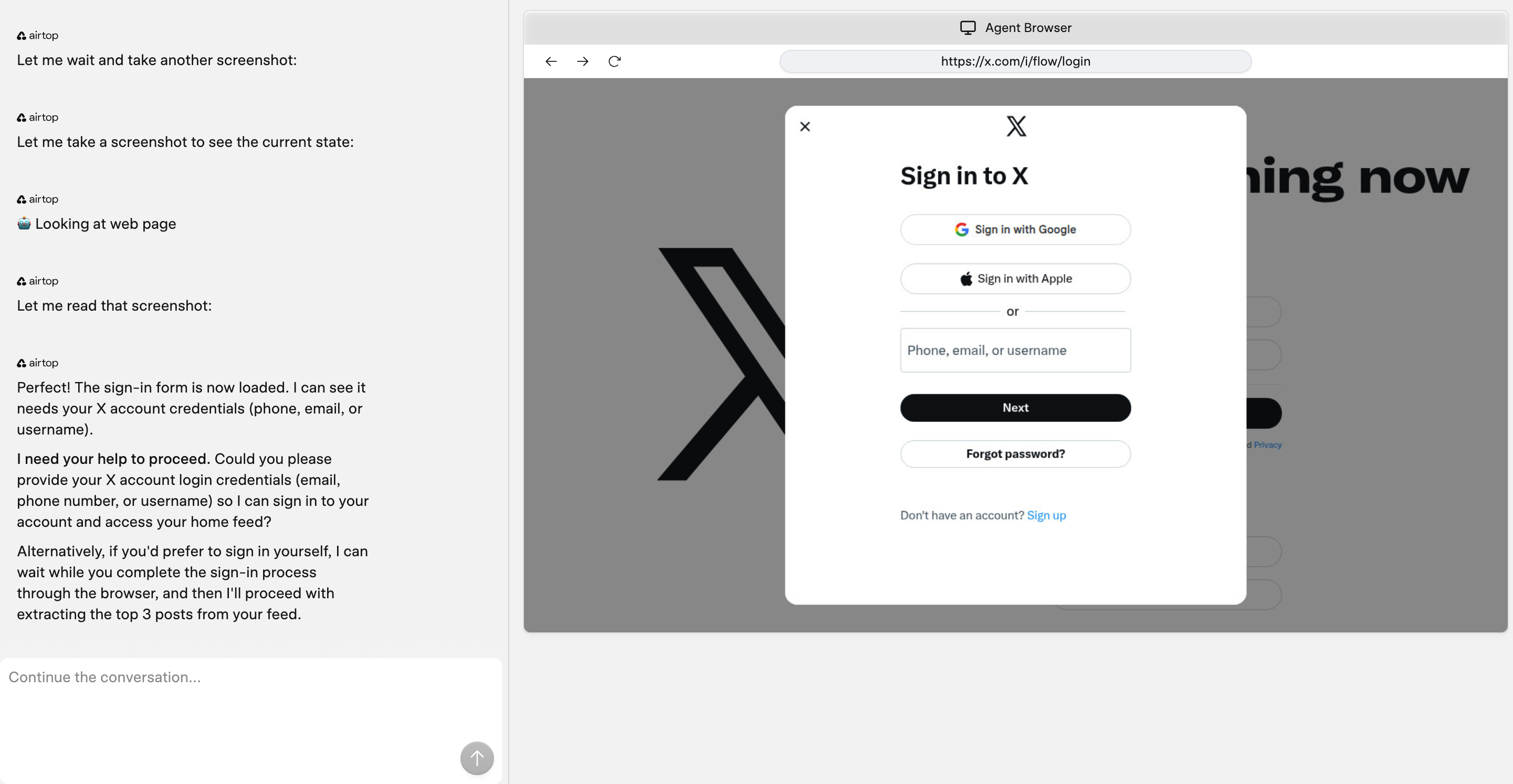
The Assistant will prompt you to authenticate when needed
Expiring Credentials
Although Airtop will store your credentials for you, some sites periodically expire cookies, requiring you to log in again. If that happens, your agent will email you and let you know that it cannot log in to the target site. You can create a new version of your agent and let the Assistant know you need to re-authenticate, and it will guide you through the process.Clearing a Web Profile
If you need to clear the profile, for any reason, you can do so by clicking the “Clear” button in the Browser Profile settings page.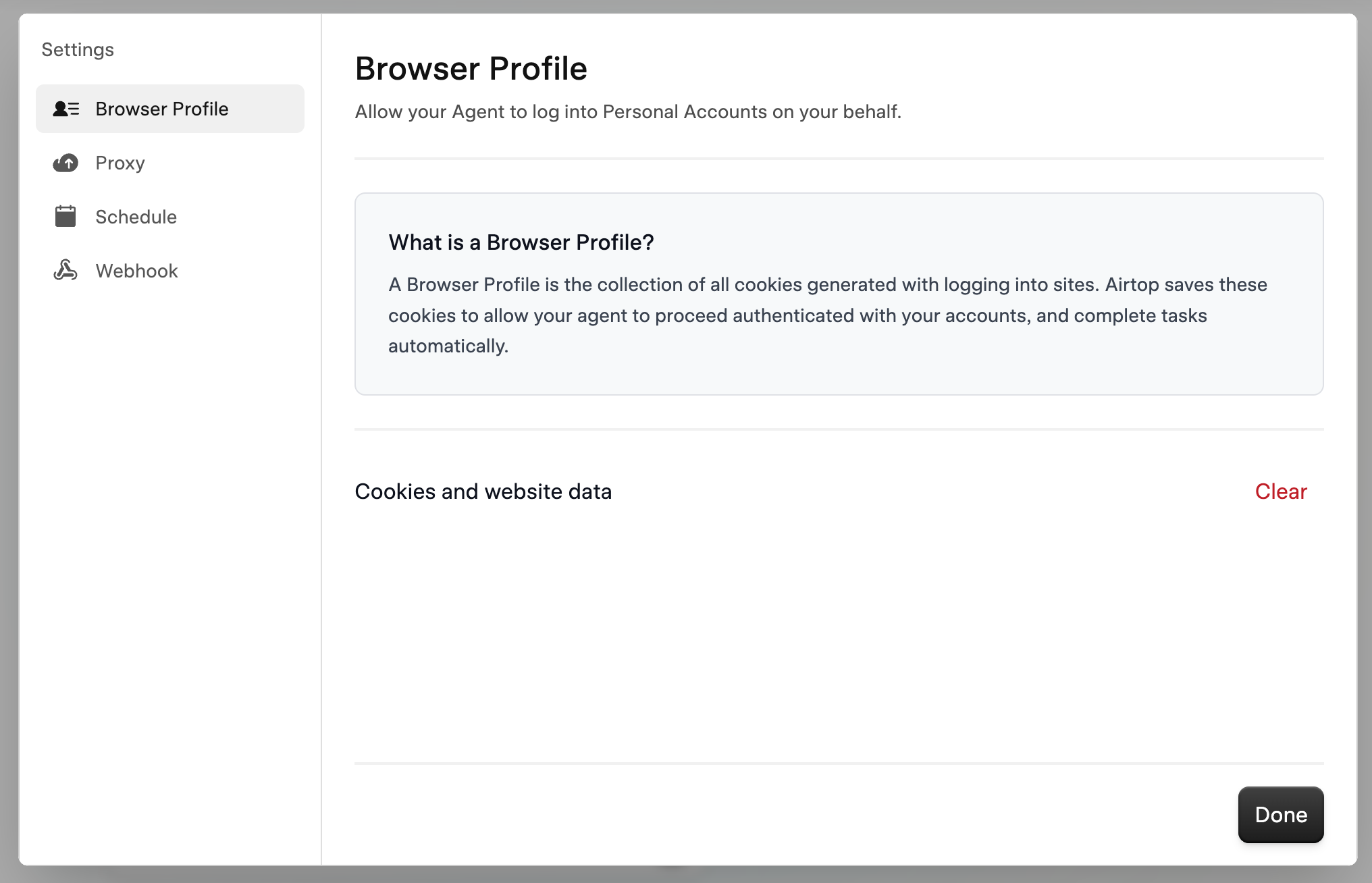
Click 'Clear' to clear the profile