

Overview
Airtop is designed to avoid bot detection as much as possible. We use a variety of techniques to do this, including:- Running a real browser in the cloud, not a headless browser
- Advanced fingerprinting techniques
- Residential proxy network integration
- Automated captcha solving
- And much more…
Configuring Residential Proxies
By default, Airtop issues traffic from within a cloud data center. However, some sites will block traffic coming from the cloud. To avoid this, you can configure Airtop to use a residential proxy network. If you notice that your agent is being blocked or presented with a CAPTCHA, you can try enabling the integrated proxy network by going to the Agent’s Settings page and enabling the Integrated proxy.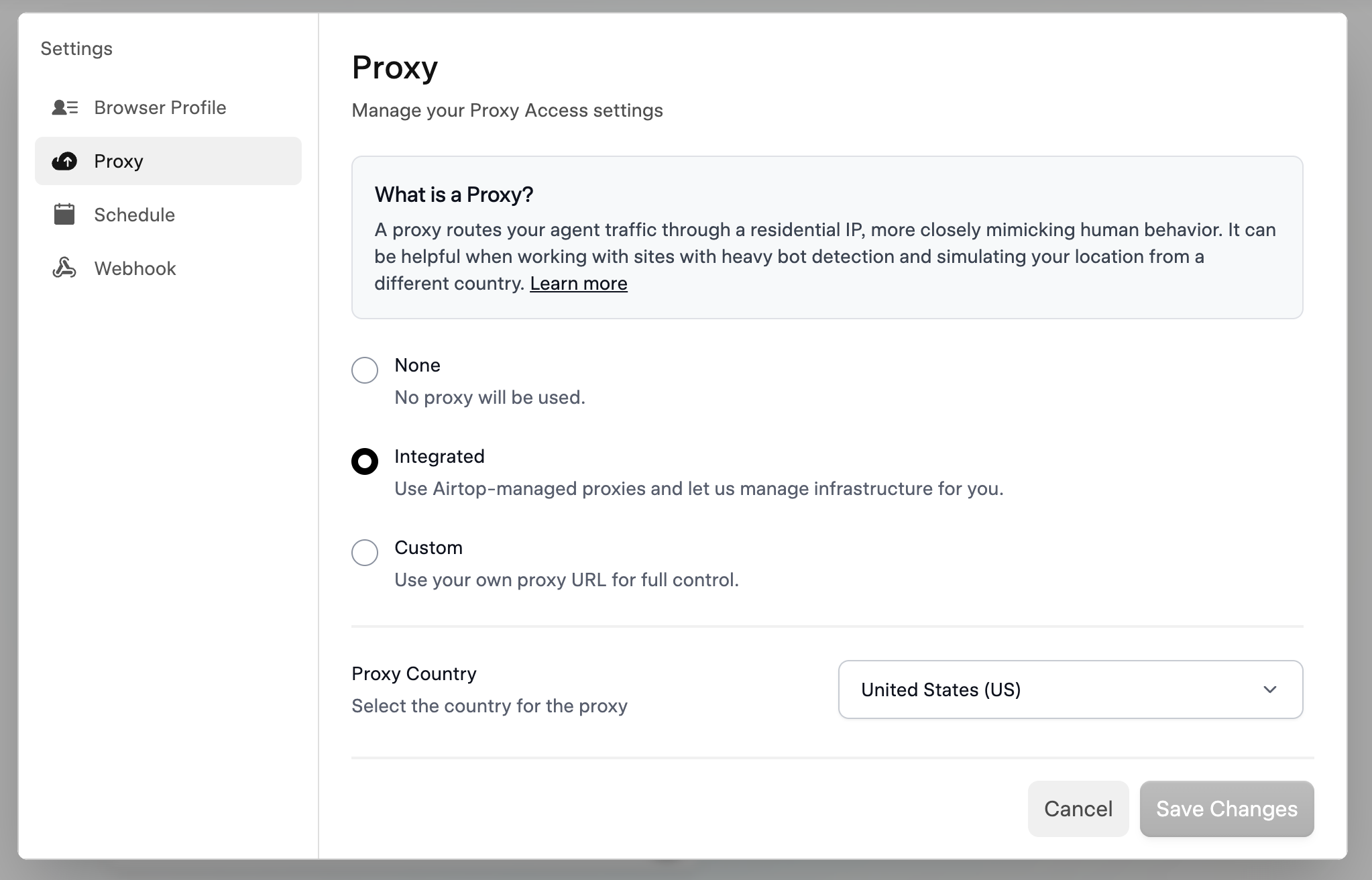
Enable the integrated proxy network
Using Your Own Proxy Server
The integrated proxy service has a few domains that it cannot access. If you try to access one of these domains, you’ll see a failure to load the site. These domains are:- Some streaming services (e.g., Netflix)
- Some banking and other financial institutions
- Ticketing sites like Ticketmaster