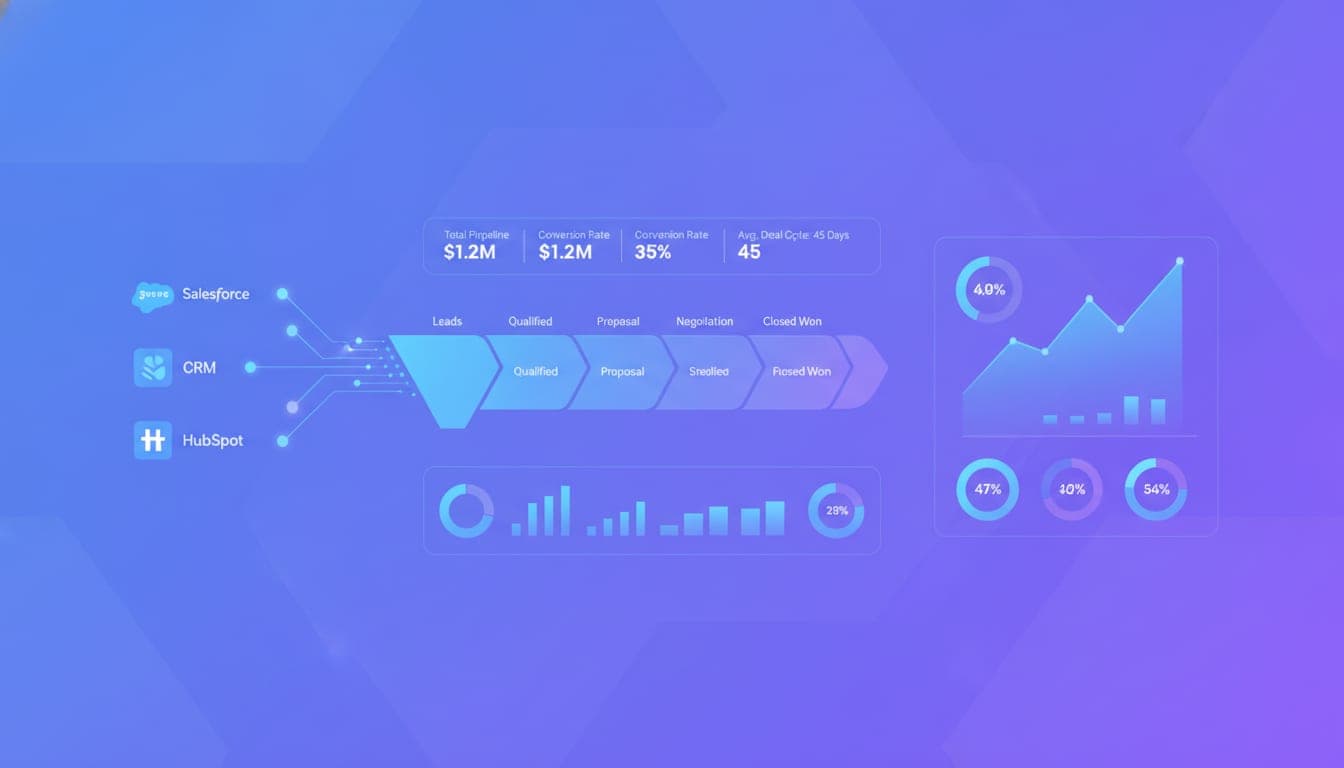
Most sales and RevOps teams still rely on manual, fragmented pipeline reports that are outdated the moment they're generated. If you want to make smarter decisions faster, automating your pipeline reporting is no longer optional — it's essential. But how do you set up a system that covers your entire funnel, tracks velocity automatically, and delivers insights in real time?
In this guide, I'll walk you through the core principles and practical steps to automate pipeline reporting across your entire funnel. We'll cover what key metrics to include, how to track velocity without manual input, and how to build workflows that keep your data fresh and actionable.
Why Automate Pipeline Reporting?
Most founders and sales leaders underestimate how much time and accuracy they lose with manual reporting. According to this analysis, companies with structured, monitored pipeline reporting see up to 28% higher annual revenue growth. Automated systems cut analysis time by nearly half and improve forecast accuracy.
Most teams are still stuck exporting CSVs, manually updating dashboards, or relying on static reports that quickly become obsolete. This leads to delayed decisions, missed opportunities, and a lack of trust in the data. Automating pipeline reporting transforms this process into a continuous, real-time feedback loop.
How Do I Automate Pipeline Reports?
1. Connect Your CRM to an Automated Reporting System
The first step is establishing a reliable data pipeline. Most CRMs like Salesforce, HubSpot, or Pipedrive support API integrations or native connectors. Tools like Mark can automate this entire workflow from a single conversation, eliminating the need for manual exports.
2. Define Your Core Metrics and Data Transformation Rules
Most pipeline reports should include deal counts, total pipeline value, stage-to-stage conversion rates, and deal aging. Use data normalization and transformation to handle inconsistent naming conventions or missing data. Moving from direct dashboard connections to upstream data hubs like Funnel.io helps standardize data before it reaches your visualization tools.
3. Build Automated Workflows for Data Refresh and Delivery
Leverage workflow automation platforms such as Make, n8n, or Zapier to schedule regular data refreshes. These workflows can trigger recalculations of key metrics and push updates to dashboards or communication channels. For example, you can set up Slack digests that automatically tag deal owners with the latest pipeline status.
4. Incorporate AI for Narrative Summaries and Insights
AI models like Claude can generate high-level summaries of pipeline health, deal slip reasons, and next steps. Integrating AI directly into your workflows allows for weekly or daily narrative updates without manual effort. This approach aligns with best practices for making reports more insightful.
What Should a Pipeline Report Include?
Most teams focus on basic metrics, but a comprehensive pipeline report should tell a story. Key elements include:
| Metric | Description |
|---|---|
| Deal Stage Distribution | How many deals are in each stage? |
| Total Pipeline Value | Sum of all opportunities' potential revenue |
| Conversion Rates | Percentage of deals moving from one stage to the next |
| Deal Aging | How long deals stay in each stage |
| Pipeline Coverage Ratio | Pipeline value vs. quota |
| Weighted Forecast | Probabilistic revenue estimate based on stage probabilities |
These metrics help identify bottlenecks, forecast accuracy, and deal health at a glance.
1. Stage Movement and Slipped Deals
Tracking how deals progress or regress across stages reveals pipeline health. Automated alerts for deals that slip back or stall can prevent surprises.
2. Velocity and Cycle Time
Understanding how fast deals move through your funnel is critical. Automate the calculation of average sales cycle length and monitor changes over time.
How Do I Track Pipeline Velocity Automatically?
Pipeline velocity measures how quickly your pipeline turns into revenue. The formula is straightforward:
Velocity = (Number of Opportunities x Average Deal Size x Win Rate) / Sales Cycle Length
To automate this, define standardized stages with timestamps for entry and exit. Use CRM workflows to record these dates automatically, then feed them into your dashboards.
Tools like Mark can help build these workflows without coding. Once set up, your velocity metrics update in real time, providing immediate insights into whether your sales process is accelerating or slowing.
1. Automate Stage Timestamps
Set up triggers that stamp dates when deals enter or leave stages. This removes manual data entry and ensures accuracy.
2. Segment Velocity by Deal Tiers
Different deal sizes or segments often have different sales cycles. Automate velocity tracking for each segment to identify specific bottlenecks.
3. Visualize Aging and Heatmaps
Use automated alerts and heatmaps to flag deals that are aging past their typical cycle, helping reps prioritize high-risk deals.
Final Thoughts
Most founders and sales teams underestimate how much manual effort goes into maintaining accurate pipeline data. Automating this process frees up time, reduces errors, and provides real-time insights that drive smarter decisions.
If you're still stitching together reports or manually updating dashboards, tools like Mark can handle it end to end. They turn complex workflows into simple conversations, so your team can focus on closing deals, not chasing data.
Comment below if you'd like a sample workflow or a demo of how automation can transform your pipeline reporting. Automate, analyze, and act faster — that's the path to predictable revenue.