How Do You Automate Sales Call Prep Without an SDR?
Most AEs spend 15-30 minutes prepping for each sales call. They open LinkedIn, check the prospect's profile, scan their company website, look for recent news, check Crunchbase for funding, and try to find a relevant talking point. At 5 calls per day, that's over 2 hours just on research.
Some teams use tools like Gong or Chorus for call intelligence after the fact, but pre-call research is still manual. Others pay for ZoomInfo or Clearbit data, but that gives you static firmographics, not the current context you need for a good conversation.
Airtop's Mark fixes this. You tell him what you want in a call brief and he builds a compiled agent that researches every prospect before your meeting and delivers a brief to your inbox or Slack.
What You Say to Mark
"Before every sales call on my calendar, research the prospect. Pull their LinkedIn activity, company news, funding history, tech stack, and any mutual connections. Send me a brief in Slack 30 minutes before the call."
Mark builds an agent that runs before every meeting.
What Manual Call Prep Looks Like
Here's the typical workflow for an AE prepping for a discovery call:
- Open the calendar invite, find the prospect's name and email
- Search LinkedIn for their profile
- Read their job history, recent posts, and activity
- Check the company website for product and positioning
- Look up funding and headcount on Crunchbase or ZoomInfo
- Search for recent news or press mentions
- Write a few talking points in a notepad
| Step | Tool | Time per call |
|---|---|---|
| LinkedIn research | LinkedIn Sales Navigator | 5-10 minutes |
| Company research | Website + Crunchbase | 5-10 minutes |
| News search | 3-5 minutes | |
| Talking points | Notepad | 2-5 minutes |
| Total | 15-30 minutes per call |
At 5 calls per day, that's 75-150 minutes of research daily. Most AEs cut corners and do a 2-minute LinkedIn scan instead. The result is generic discovery questions and missed context.
What Mark Builds From That One Message
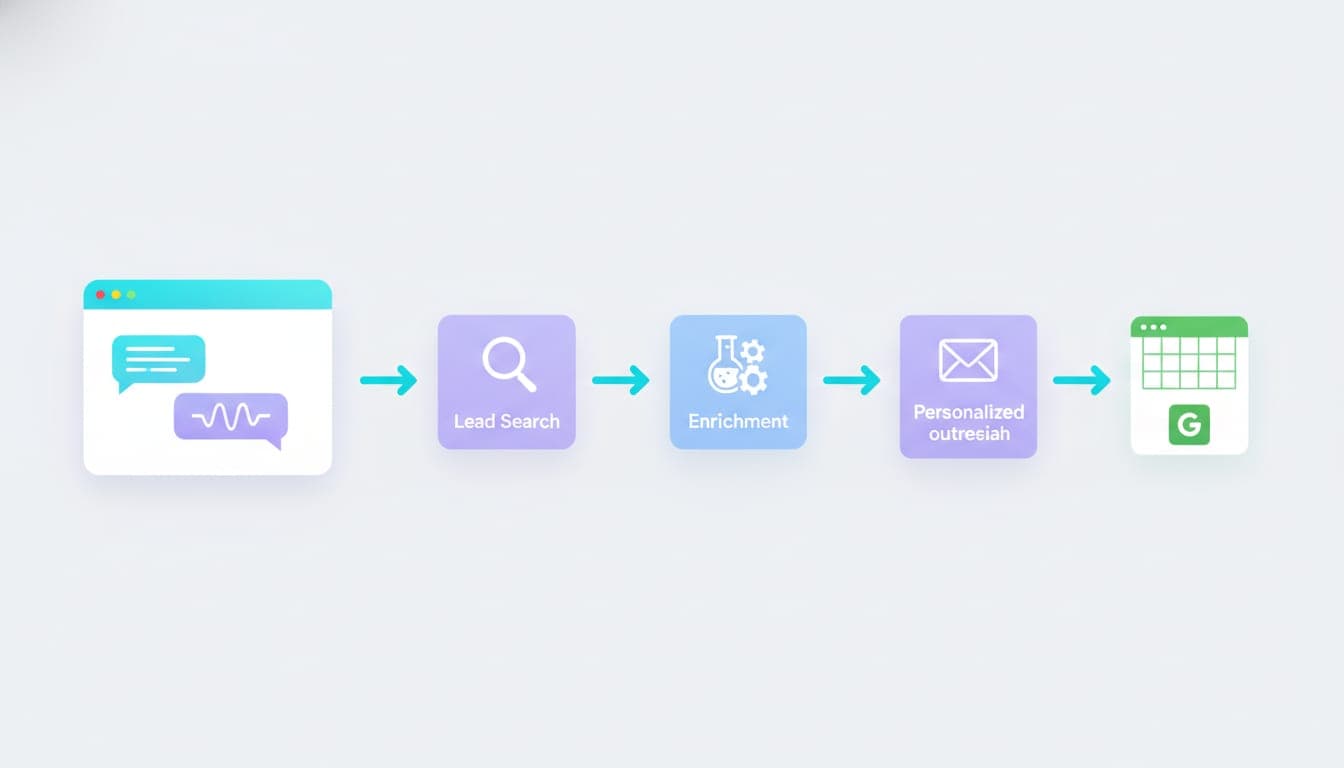
- Reads your calendar -- scans upcoming meetings for external attendees
- Identifies the prospect -- matches attendee emails to LinkedIn profiles and company data
- Researches the person -- pulls job history, recent LinkedIn posts, shared connections, skills, and interests
- Researches the company -- pulls headcount, funding, industry, tech stack, recent news, job postings, and competitors
- Generates talking points -- creates specific, contextual questions and observations based on the research
- Delivers the brief -- sends a formatted summary to Slack, email, or a Google Doc before the meeting
The agent pulls live data from the web -- not cached database records. If the prospect posted on LinkedIn yesterday, it shows up in the brief. If their company announced a partnership last week, that's in there too.
Other Things You Can Say to Mark
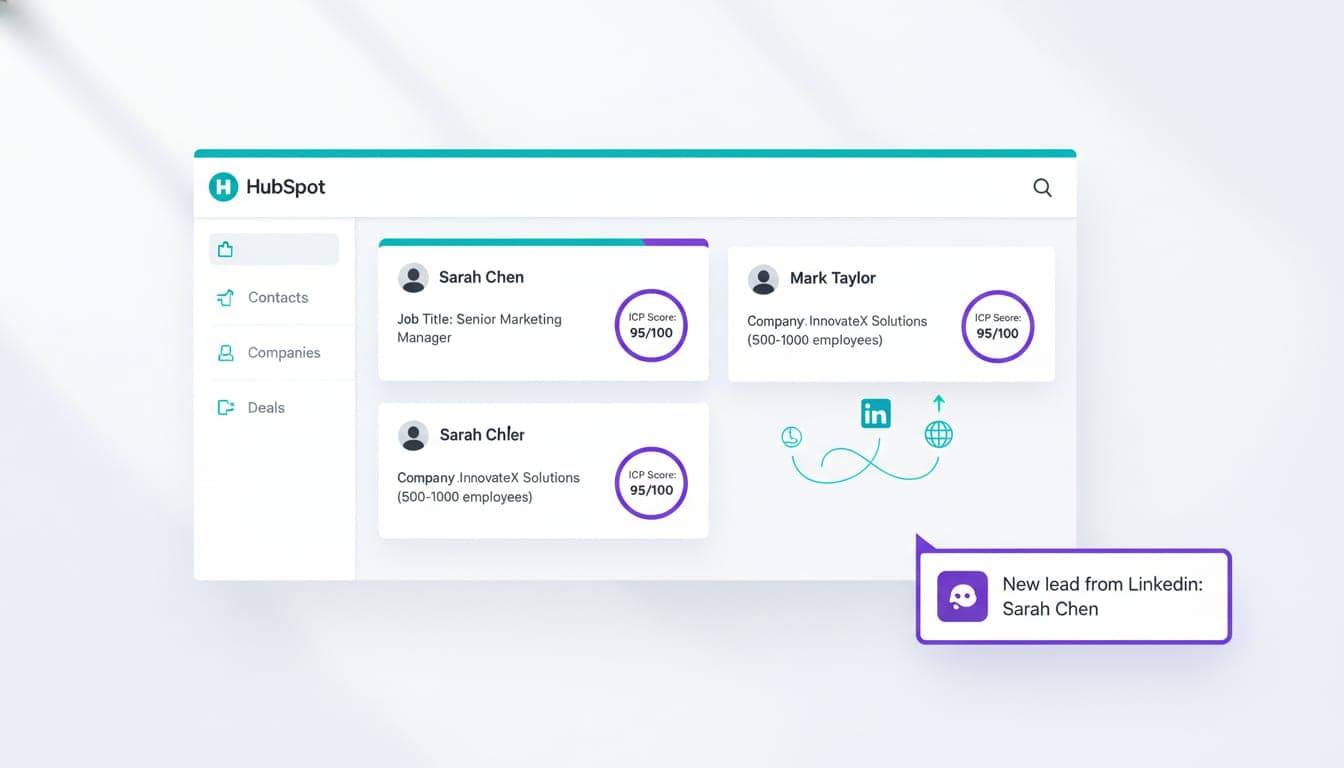
"Research every prospect on my calendar and add a note to their HubSpot contact record with the brief."
"For every discovery call, find out what tools the prospect's company uses for sales and marketing. Include any competitors they might be evaluating."
"Before my renewal calls, pull the customer's usage data from our dashboard and any support tickets from the last 90 days."
"Research the prospect's industry trends and include 2-3 relevant statistics I can reference in the call."
How Airtop Agents Compare to Manual Call Prep
| Capability | Manual (AE research) | LLM-based tools | Airtop |
|---|---|---|---|
| Time per call | 15-30 minutes | 2-5 minutes (prompt + wait) | Zero (automatic) |
| Data freshness | Live (manual lookup) | Cached or stale | Live web data |
| Consistency | Varies by AE | Varies by prompt | Same format every time |
| Coverage depth | Shallow (time pressure) | Moderate | Deep (no time constraint) |
| Cost per brief | $10-$25 (AE time) | $0.50-$2.00 | $0.05-$0.15 |
| CRM integration | Manual notes | Copy-paste | Automatic write-back |
| Delivery timing | Whenever the AE gets to it | On demand | Automatic, before the meeting |
Common Mistakes With Sales Call Prep
Only checking LinkedIn. LinkedIn is a starting point, not the whole picture. Company news, job postings, and tech stack data tell you more about what the prospect actually cares about. Mark's agents check all of these.
Generic talking points. "I see your company is growing fast" is not a talking point. "I noticed you posted about struggling with outbound reply rates last week" is. Mark's briefs include specific observations, not generic flattery.
Not checking for existing relationships. If someone at your company already knows the prospect or has a mutual connection, that's your best opener. Mark surfaces shared connections automatically.
Doing research after the call starts. If you're Googling the prospect while they're talking, you're already behind. Mark delivers the brief before the meeting so you walk in prepared.
Cost and Scaling
An AE spending 20 minutes on call prep at $75/hour costs roughly $25 per brief. At 5 calls per day, that's $125/day or $2,500/month in AE time spent on research instead of selling.
Mark's compiled agents produce call briefs for $0.05-$0.15 each. At 100 calls per month, that's $5-$15 total -- and the AE gets 33 hours back per month to spend on actual selling.
FAQ
How does the agent know which calendar events are sales calls?
You define the criteria in your instruction. Common filters include: events with external attendees, events with specific keywords in the title ("discovery," "demo," "intro"), or events tagged in your CRM.
What data sources does the agent use for research?
Mark's agents pull from the live web: LinkedIn profiles and activity, company websites, news articles, job postings, funding databases, and tech stack detection. This is live data, not cached records from a static database.
Can the brief include internal data like past interactions or CRM notes?
Yes. If you connect your CRM, Mark can pull previous notes, deal history, support tickets, and engagement scores into the brief. The agent combines internal and external data into one document.
How far in advance does the agent prepare briefs?
You set the timing in your instruction. Common setups include: 30 minutes before the call, first thing in the morning for all day's calls, or the evening before for next-day prep.
What happens if the prospect doesn't have a LinkedIn profile?
The agent falls back to other sources -- company website, news mentions, public bios, conference speaker profiles. The brief will be thinner but still useful. It flags when limited data is available.
Can I customize the brief format for different call types?
Yes. You can have different brief templates for discovery calls, demos, renewals, and expansion conversations. Tell Mark the call type rules and he builds the routing logic into the agent.
Try Mark
Tell Mark what you need before a sales call. He builds the research agent.