Your CRM fills up with names and email addresses. No job titles. No company size. No funding data. No LinkedIn context. Sales reps either research each lead manually or skip enrichment entirely and waste time on unqualified prospects.
You can automate lead enrichment by building an agent that triggers on every new HubSpot contact and does the research for you. Firmographics, LinkedIn profile, ICP scoring, and Slack alerts for high-value leads. One conversation with Airtop Mark. No code. No multi-tool stack.
What you say to Mark
Open Mark and type this:
"Enrich every new lead in HubSpot. Pull firmographic data — industry, company size, funding, tech stack. Get their LinkedIn profile and About section. Score them against my ICP. If the score is above 70, send a Slack alert to #account-audit-vip."
That's the entire setup. One message.
Mark asks two follow-ups:
- "Where do the alerts go?" → You name the Slack channel.
- "What's the score threshold?" → You pick a number.
Done. Mark builds the agent.
What lead enrichment actually means
Lead enrichment is the process of adding missing data to a contact record after it enters your CRM. A raw lead might have a name and email. An enriched lead has:
- Job title and seniority
- Company name, size, and industry
- Funding stage and total raised
- Tech stack
- LinkedIn profile URL, headline, and About section
- ICP fit score
Without enrichment, your sales team is guessing which leads are worth pursuing.
The manual workflow (and why it breaks)
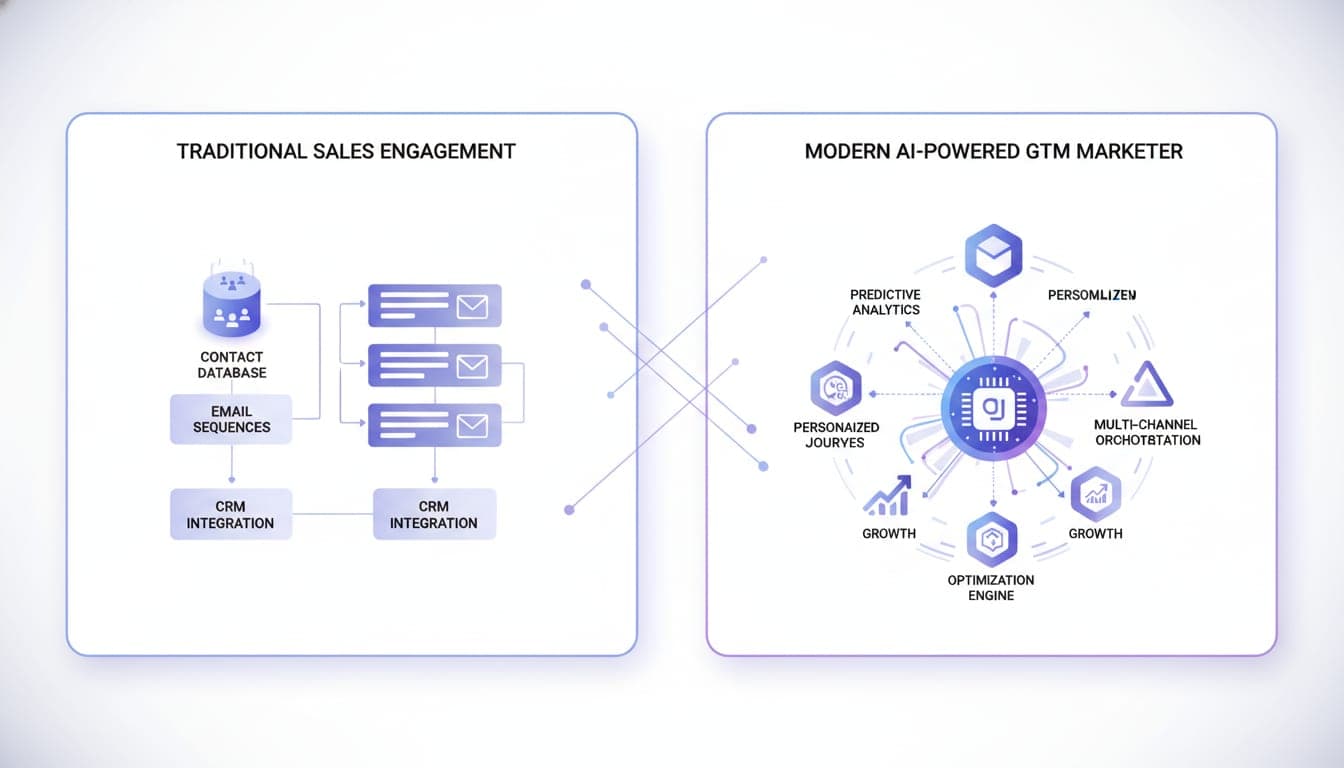
Most teams enrich leads using 3-6 tools wired together:
| Step | Tool | Cost |
|---|---|---|
| Firmographic enrichment | Clay or Clearbit | $150-500/mo |
| Data gaps | Apollo or ZoomInfo | $50-1,000/mo |
| LinkedIn profile data | Scraper or manual lookup | $50-200/mo |
| Scoring | Spreadsheet formula or CRM workflow | Free but manual |
| Routing/alerts | Zapier + Slack | $20-50/mo |
| Orchestration | GTM engineer time | $5-15K/mo |
Total: $300-1,700/mo in tools, plus engineering time to build and maintain the pipeline. When one API changes its response format, the whole pipeline breaks.
What Mark builds from that one message
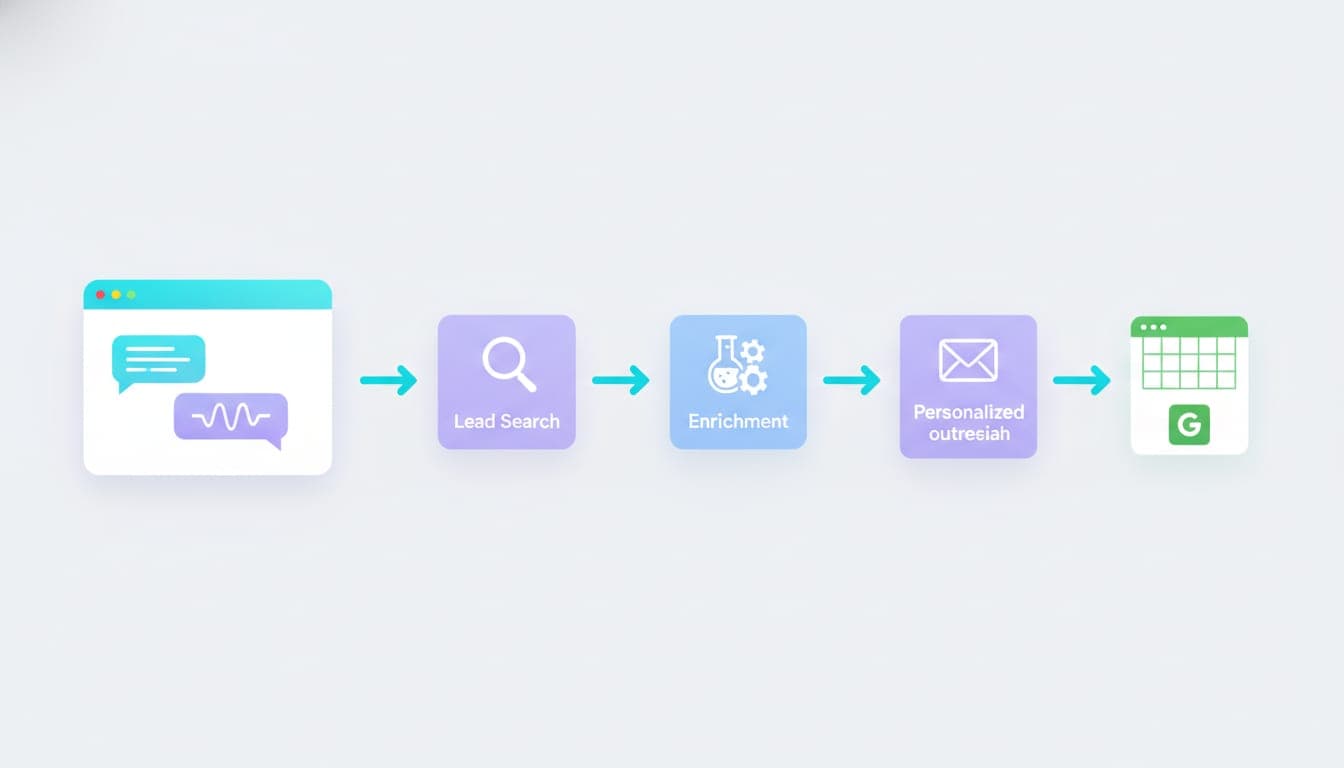
A single agent that runs every time a new lead enters HubSpot:
Step 1: Email validation
The agent checks whether the email is a real work address. Free providers (Gmail, Yahoo) and disposable addresses get filtered out before you spend enrichment credits on junk leads.
Step 2: LinkedIn profile enrichment
The agent searches LinkedIn by name and company domain. It extracts:
- Current job title and headline
- Full career history
- Location
- The About/summary section
Step 3: Company enrichment
The agent pulls firmographic data for the lead's current company:
- Industry
- Employee count
- Funding stage and total funding raised
- Tech stack
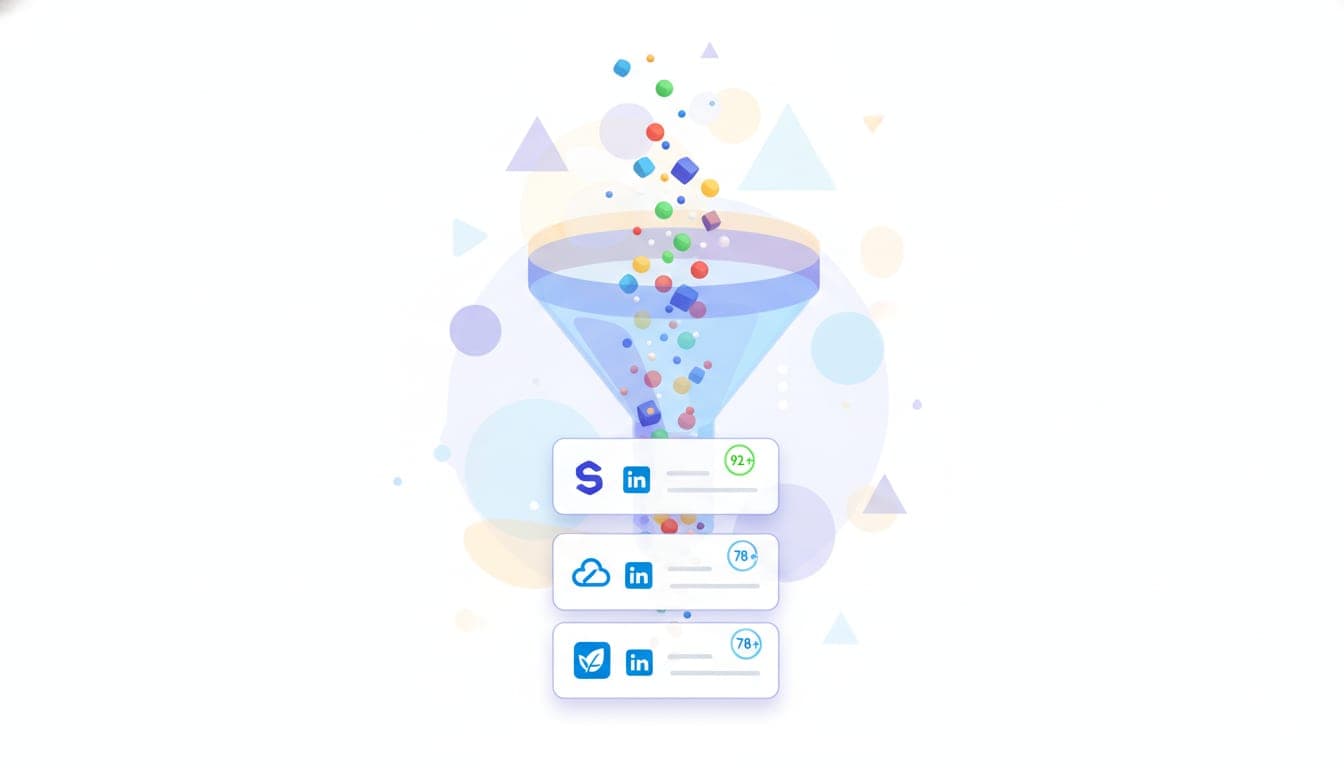
Step 4: ICP scoring
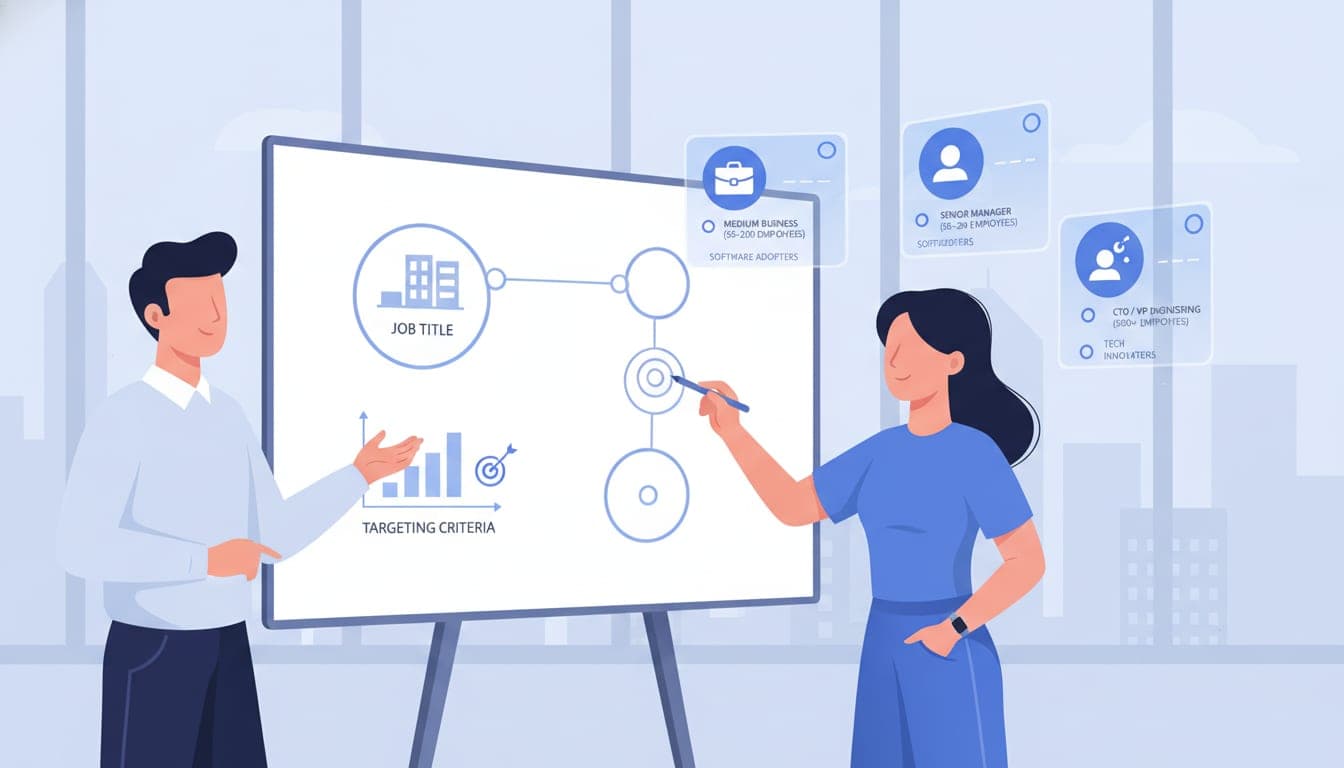
The agent scores the lead 0-100 based on how well they match your Ideal Customer Profile:
- Job title and seniority level
- Company industry match
- Company size
- Geographic location
- AI analysis of product-fit
Mark reads your ICP segments from your knowledge base at runtime. You define the ICP once. Every agent uses it automatically.
Step 5: HubSpot write-back
The agent updates two records:
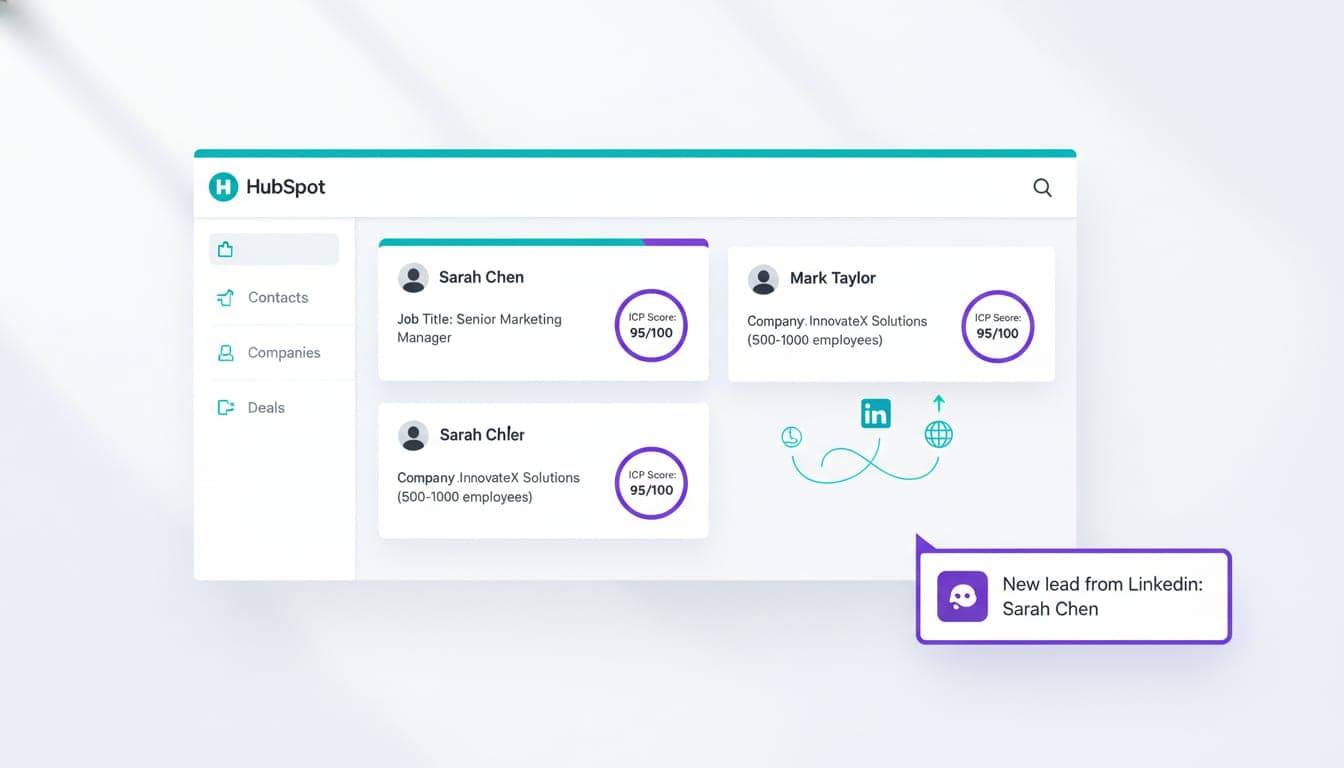
Contact: LinkedIn URL, headline, About section, job title, ICP score
Company: Industry, employee count, funding stage, total funding, tech stack
No field mapping. No staging tables. No CSV imports.
Step 6: Slack alert
If the ICP score hits your threshold, your team gets a Slack message with:
- Lead name and email
- Company and job title
- ICP score
- LinkedIn URL
- One-line summary of why they scored high
Other things you can say to Mark
These are real instructions that build working agents:
"Same thing, but write to Salesforce instead of HubSpot."
"Also check if the lead's company uses React in their tech stack. If they do, tag the contact as 'tech-fit' in HubSpot."
"Lower the threshold to 50 and add a second Slack channel for medium-score leads."
"Enrich leads from my Google Sheet instead of HubSpot. Here's the link."
Each instruction modifies the agent. No rebuilding. No reconfiguring. Just tell Mark what you want changed.
How Airtop agents compare to other enrichment approaches
Airtop uses AI to build workflows and deterministic code to run them. That makes agents more reliable and 100x cheaper than runtime-prompted agents that call an LLM on every lead.
| Dimension | Traditional stack | LLM-based automation | Airtop agent |
|---|---|---|---|
| Setup time | Days to weeks | Hours | Minutes (one conversation) |
| Tools required | 3-6 vendors | 1-2 vendors | 1 platform |
| Cost per lead | $0.50-2.00 | $0.10-0.50 | ~$0.01-0.02 |
| Reliability | Breaks when APIs change | Non-deterministic outputs | Deterministic, compiled code |
| Maintenance | GTM engineer required | Prompt tuning required | Self-maintaining |
| Speed | Minutes per lead | Seconds per lead | Seconds per lead |
Common mistakes with lead enrichment
Enriching every lead equally. Not all leads deserve the same enrichment depth. Use email validation as a first filter to avoid wasting credits on free-email signups.
Skipping the scoring step. Enrichment without scoring creates more data but doesn't tell reps which leads to prioritize. Always score against your ICP.
Storing enrichment data in a separate tool. If enriched data doesn't write back to your CRM, reps won't see it. Write directly to HubSpot or Salesforce.
Building it once and forgetting it. People change jobs. Companies get acquired. Re-enrich stale records on a schedule, not just on entry.
Cost and scaling
A single Airtop enrichment agent processing 1,000 new leads per month costs approximately $10-20 in compute. The same volume through a Clay + Apollo + Zapier stack runs $300-500/month before you count the engineering time to maintain it.
The agent scales linearly. 10,000 leads/month costs roughly 10x the single-lead cost. No per-seat fees. No tier upgrades. No hidden overage charges.
FAQ
What data sources does Airtop use for lead enrichment?
Airtop's built-in B2B enrichment and LinkedIn integrations. No separate subscriptions to Clay, Apollo, or ZoomInfo required. The agent pulls firmographic data (industry, employee count, funding, tech stack) and LinkedIn profile data (title, headline, career history, About section) from a single platform.
Can Airtop enrich leads in Salesforce instead of HubSpot?
Yes. Tell Mark your CRM and it configures the write-back accordingly. The agent can write to HubSpot, Salesforce, or a Google Sheet.
What happens when Airtop can't find a LinkedIn profile for a lead?
The agent still enriches the company record with firmographic data and scores the lead based on available information. LinkedIn fields are left empty rather than filled with incorrect data.
Can I change the ICP scoring threshold after the enrichment agent is deployed?
Yes. The threshold is an adjustable parameter. No rebuild required. You can also change the Slack channel, add new enrichment fields, or adjust scoring criteria by telling Mark what you want changed.
What's the difference between lead enrichment and lead scoring?
Enrichment adds missing data to a contact record — job title, company size, funding stage, tech stack. Scoring evaluates how well that data matches your Ideal Customer Profile and assigns a numeric score from 0 to 100. Airtop does both in the same agent.
How much does it cost to enrich 1,000 leads with Airtop?
Approximately $10-20 in compute for 1,000 leads. The same volume through a Clay + Apollo + Zapier stack runs $300-500/month before engineering time to maintain it.
Try Mark
Stop researching leads manually. Type one sentence. Have a working enrichment agent ready to deploy.