Monitoring competitors manually is a time-consuming and often ineffective process. Most teams rely on sporadic checks, Google alerts, or basic SEO tools that only scratch the surface. But in 2026, most founders and GTM leaders understand that automation is the only way to stay ahead. Automated competitor monitoring isn't just about collecting data; it's about turning signals into strategic insights in real time.
In this guide, I'll walk you through how to set up a robust system for competitor monitoring automation, what tools to use, and how to configure alerts that keep your team informed without drowning in noise. If you're a non-technical GTM leader, don't worry—modern AI-powered tools make this process accessible and scalable.
How do I monitor competitors automatically?
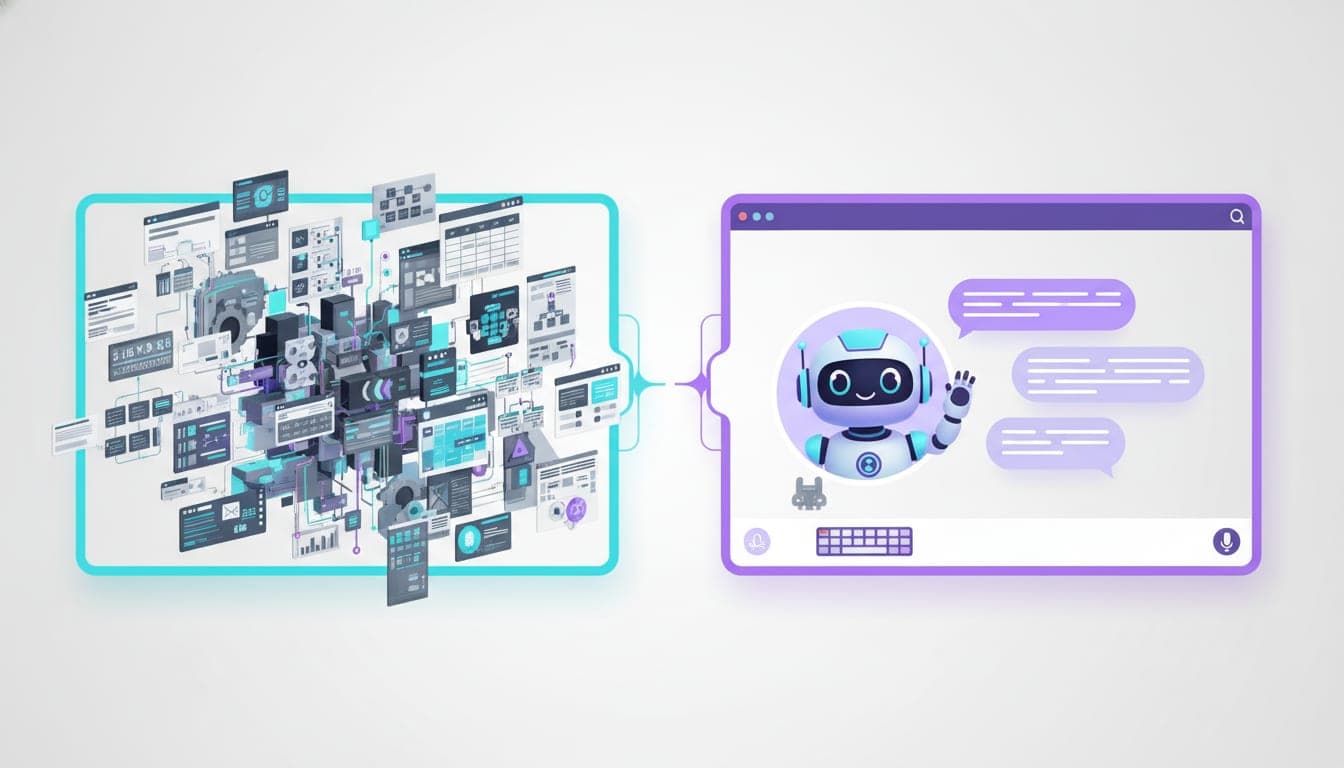
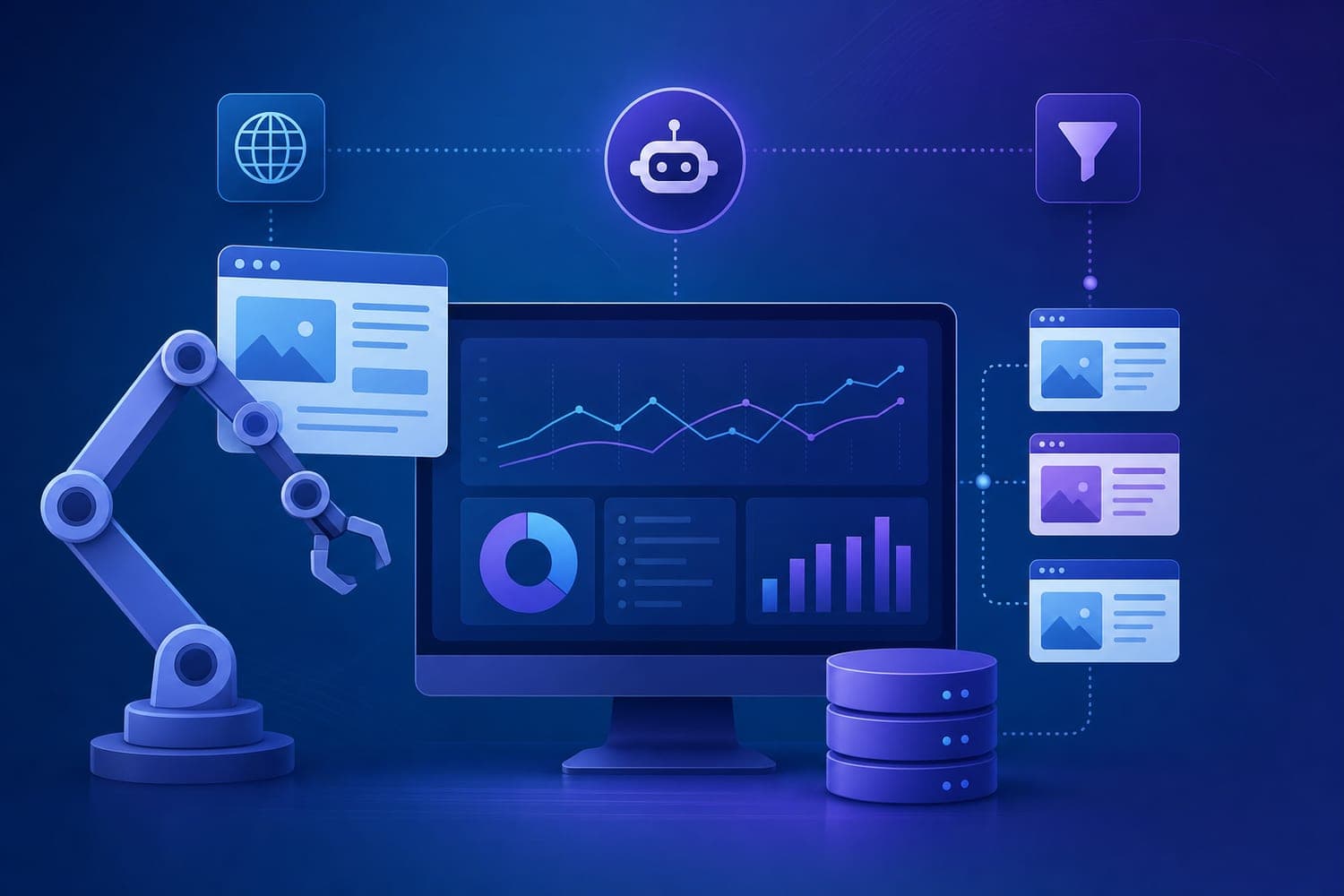
Automated monitoring is achieved by deploying AI-driven software that continuously crawls your competitors' websites, social media channels, and search engine rankings for real-time updates. Instead of manual checks, these tools use web scraping, APIs, and AI filters to detect significant strategic moves.
For example, tools like Mark can automate this entire workflow from a single conversation, reducing manual effort and increasing accuracy. They track website changes, pricing shifts, new product launches, and even brand mentions across dark social and niche forums. This continuous signal collection allows you to react faster than your competitors.
What tools track competitor activity?
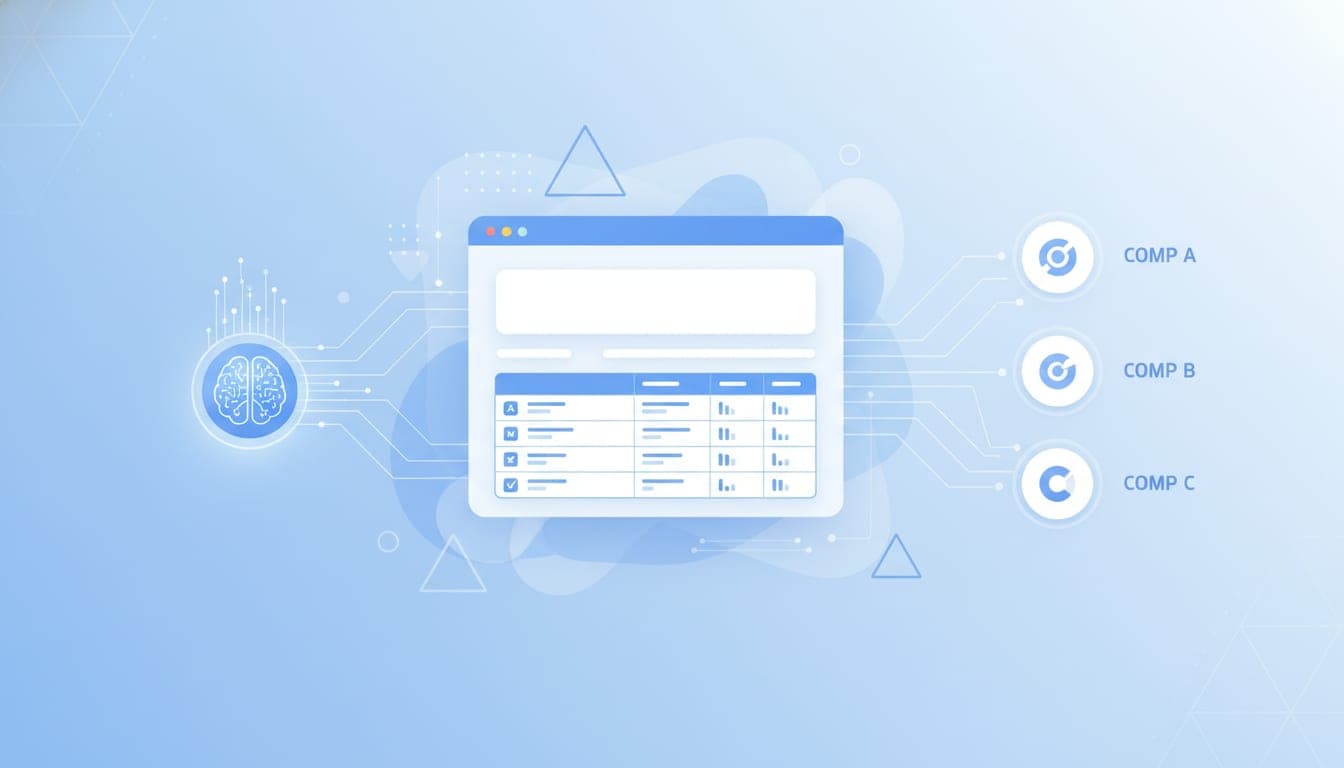
Most teams use a combination of specialized tools tailored to their monitoring needs. Here's a quick overview of the top tools in 2026:
| Tool | Focus | Key Features |
|---|---|---|
| SEMrush / Ahrefs | SEO & Paid Ads | Keyword rankings, backlinks, ad spend |
| Visualping | Website change detection | Visual diff alerts for homepage or pricing pages |
| Crayon / Klue | Market intelligence | Centralized web, social, and news updates |
| Prisync / Price2Spy | E-commerce pricing | Price and stock monitoring |
| Similarweb | Web traffic insights | Audience demographics, traffic sources |
Instead of stitching together six tools, try Mark—it builds and runs the whole pipeline, integrating signals into your GTM workflow.
How do I set up competitor alerts?
Setting up alerts is straightforward but requires strategic planning. First, define your key competitors and the specific signals you want to monitor—website updates, pricing changes, new content, or social mentions.
Most modern tools allow you to configure triggers and notification channels. For example, you can set a price drop alert of 5% or more, or receive a Slack notification when a competitor launches a new product. Use boolean operators in Google Alerts or advanced filters in enterprise tools to refine your signals.
Instead of manually checking, automate this process: route alerts to your team's Slack, email, or CRM. This way, your team gets real-time updates on strategic moves, enabling faster decision-making.
Why is competitor monitoring automation critical?
Most founders underestimate how much real-time intelligence can impact their GTM strategy. According to SCIP research, organizations with systematic CI see 23% higher revenue growth. Automation reduces manual research time by 85-95%, shifting teams from maintenance to strategy.
Furthermore, AI tools now monitor how AI assistants cite or omit your brand compared to rivals, adding a new layer of competitive insight. For instance, Visualping and other platforms are evolving to track these emerging signals.
Building your automated competitor monitoring system
- Identify your signals: Website changes, pricing, content updates, social mentions.
- Choose your tools: Use a mix of SEO, website, and social monitoring platforms. Consider enterprise solutions for scale.
- Configure alerts: Set thresholds, filters, and notification channels.
- Integrate into your workflow: Connect alerts to Slack, email, or your CRM.
- Review and optimize: Regularly refine your signals and filters to reduce noise.
Tools like Mark can automate this entire setup, making it accessible even for non-technical teams.
Final thoughts
Most teams still do this manually, wasting hours on manual checks that are often outdated by the time they're done. Automating competitor monitoring with AI not only saves time but also provides a strategic edge. As the market evolves, so should your approach—embrace automation and turn signals into insights.
If you're ready to automate your competitor monitoring, try Mark. It's designed for GTM leaders who want real-time, actionable intelligence without the complexity.