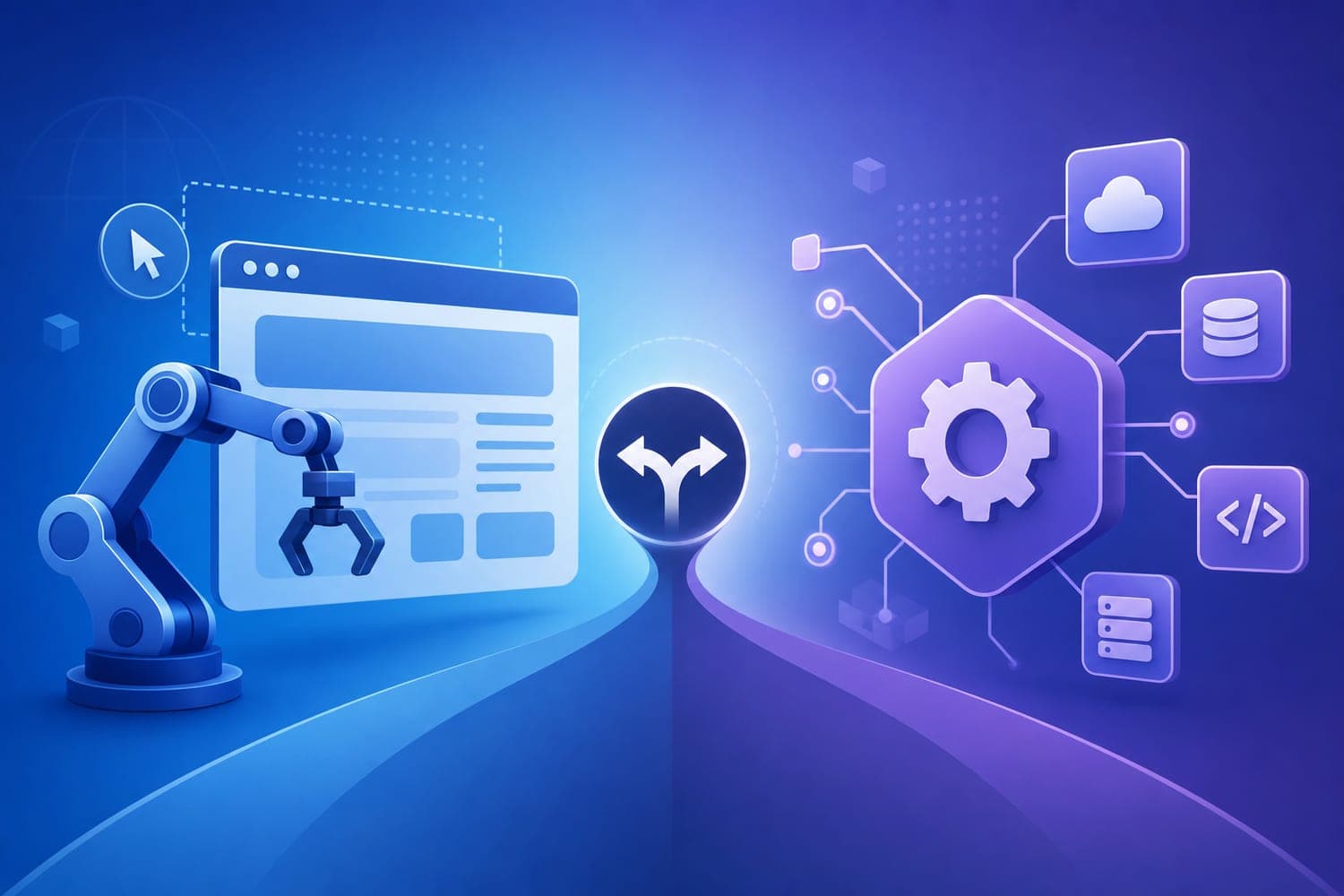
Most teams face a fundamental question when automating web workflows: should I use browser automation or rely on APIs? The answer isn't always straightforward, but understanding the core differences and use cases can save you time, resources, and headaches.
What is browser automation?
Browser automation is the process of controlling a web browser programmatically to perform tasks exactly as a human user would. This includes navigating pages, clicking buttons, filling forms, and even taking screenshots. Frameworks like Selenium, Playwright, and Puppeteer have made it easier to script these interactions, often running in headless mode for efficiency.
According to recent updates in 2026, browser automation has evolved beyond simple scripting. OpenAI's Operator and Anthropic's Computer Use now turn browsers into control layers for AI agents, enabling reasoning about page layouts in real-time source. This shift means browsers are no longer just for scraping; they are becoming environments where AI can operate autonomously.
When do I need browser automation over APIs?
Use browser automation when the data or workflow is only accessible via the user interface, especially on JavaScript-heavy sites or legacy systems without modern APIs. For example, if a site loads content dynamically after user interactions, browser automation can simulate those actions and extract the needed data.
Tools like Firecrawl's Browser Sandbox give AI agents live browser access with zero local setup, making it easier to handle complex UIs. Additionally, browser automation is essential for visual verification, UI testing, or capturing screenshots for audits.
If you're still stitching together multiple SaaS tools for your GTM workflows, try Mark — it builds and runs entire pipelines through conversations, reducing manual effort.
What is API-based automation?
APIs provide a structured, programmatic way to access data and services directly. They are the backbone of modern web automation, offering speed, stability, and lower resource consumption. API calls are typically faster than full browser rendering, executing requests in milliseconds.
Recent studies show API tests are 10-50x faster than UI-based browser tests source. Most organizations now follow an API-first strategy, especially for core business logic, because of the efficiency gains.
When should I prefer APIs?
Most founders and teams should default to APIs whenever they are available. They are ideal for high-volume, stable data transfers—think sending 10,000 contacts per day or integrating with backend systems. APIs also reduce infrastructure costs; teams running their own browser clusters spend 40-60% of engineering time on infrastructure rather than logic source.
For example, if your goal is to enrich CRM contacts or perform lead scoring, API-based tools are the best choice. They are faster, more reliable, and easier to scale.
Balancing browser automation and APIs
The real power comes from combining both approaches. Use APIs for rapid data operations and browser automation for tasks that require visual validation, complex interactions, or dealing with legacy systems. Modern tools like Airtop's platform enable hybrid workflows, where AI agents can seamlessly switch between API calls and browser control.
For instance, instead of manually scraping a site with brittle CSS selectors, you can deploy an AI-native browser automation that self-heals when the UI changes source. Meanwhile, API calls can handle bulk data updates or trigger workflows.
The future of web automation
In 2026, agentic browser automation is becoming mainstream. LLMs like GPT-5 and Claude Fable now drive browsers directly using natural language goals, reducing the need for hard-coded scripts. Self-healing workflows and token-optimized data exchange are making automation more resilient and cost-effective.
Security models have also matured, allowing AI agents to operate in browsers with transient access to sensitive hardware, all while maintaining compliance with standards like SOC2 and HIPAA source. This convergence means teams can choose the right tool for the right job, knowing that the boundaries between browser automation and API-based tools are blurring.
Final thoughts
Most teams should start with APIs for their speed and stability. When APIs fall short—such as on legacy sites, complex SPAs, or when visual validation is needed—browser automation becomes indispensable. The key is understanding the trade-offs: speed versus fidelity, stability versus flexibility.
If you're still managing multiple tools and scripts, consider trying Mark. It automates your entire GTM workflow through natural conversations, combining the best of both worlds.
In the end, the choice isn't binary. The smartest approach leverages both, depending on the task at hand. As web platforms evolves, so will the tools we use—making automation smarter, faster, and more reliable.