There is a promise that every operations manager, developer, and no-code builder has been told: "If a tool has an API, you can automate it."
In theory, it's true. In practice, anyone who has tried to orchestrate complex workflows between SaaS platforms knows the reality is often different. Endpoints are missing. Rate limits throttle your scripts. Business logic locks you out of updating specific fields.
We call this the API Gap. It's the frustrating void where your automation stops and manual busywork begins.
Dr. Silvia Pfeiffer, the Chief Product Officer at Cared.io and a pioneer in web standards (she co-edited the HTML5 spec), hit this gap hard. Her solution wasn't to wait for a vendor update or hire a dev team to build a custom patch. Instead, she turned to Agentic automation—using Airtop to turn the web browser into a programmable workforce.
Here is how she did it, and how users of Make, n8n, and Zapier can use the same approach to automate the "un-automatable."
The Challenge: The "API Gap" of Xero Financial Reconciliation
Cared.io is a fast-growing Allied Health provider delivering physiotherapy and speech pathology to NDIS participants across Australia. As the business scaled, so did the administrative burden.
Their tech stack is standard for the industry:
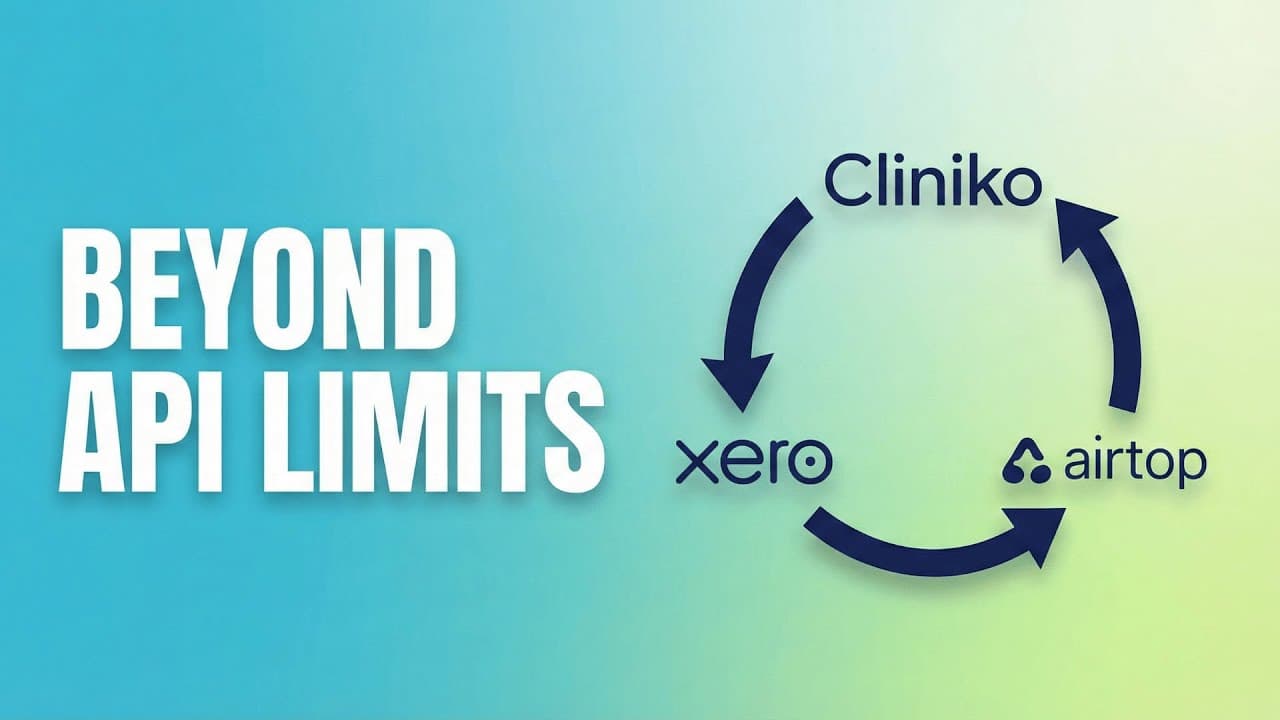
The workflow should have been a closed loop. Invoices generated in Cliniko sync to Xero via an existing API integration. That part worked perfectly.
The problem arose when it was time to close the loop. When a payment arrived in the bank account and was reconciled in Xero, that status needed to flow back to Cliniko to mark the invoice as "Paid."
The API Gap: While Cliniko has an API, the standard integration failed to handle this reconciliation logic effectively.
- Xero's "Locked" State: Once an invoice is paid or a financial period is closed in Xero, the record effectively locks to ensure accounting integrity. Standard API syncs often fail when trying to update metadata on these locked records.
- Complex Payments: NDIS payments are rarely simple 1:1 transactions. A single bulk payment might cover partial amounts across 50 different invoices. API scripts struggle to parse this many-to-many logic without hitting rate limits (often ~60 calls per minute)
This left Silvia with a painful choice:
- Option A: Manually cross-reference thousands of budget lines, open Cliniko, find the invoice, and type in the payment details.
- Option B: Find a way to automate a process that had no API support.
For months, the cost of the API gap was over 10 hours of executive time every month—time spent on data entry instead of product strategy.
The Solution: The "Invoice Reconciler" Web Agent
Summary: Airtop web agents solve API gaps by automating browser actions—clicking, typing, and navigating—just like a human employee would.
Silvia realized that while the API couldn't do the job, a human could. A human can look at a spreadsheet of paid invoices, log into Cliniko, search for an invoice number, and click "Add Payment."
So, she hired a digital human.
Using Airtop, Silvia deployed an AI agent to perform this exact workflow via the cloud browser, bypassing the API limitations entirely.
Get the budget reconciliation template here:
How the "Un-Automatable" Workflow Runs
Silvia describes the setup as a collaboration between a "Brain" (Make) and "Hands" (Airtop).
- The Trigger (The Brain): Silvia uses Make.com to pull a report of reconciled invoices from Xero into a Google Sheet. This sheet contains the payment details including Invoice Number, Amount paid, Payment URL, and Cliniko Invoice URL.
- The Action (The Hands): The Airtop agent is triggered. Instead of relying on a backend API call alone, the agent spins up a cloud browsing session.
- Login Check: The agent first verifies if you're logged into Cliniko. If not, it pauses with clear instructions for you to sign in before continuing.
- Data Retrieval: It reads the payment records directly from the Google Sheet, processing them one by one (or in batches you configure).
- Smart Navigation: For each payment, the agent navigates directly to the correct invoice payment page in Cliniko using the URLs from the spreadsheet.
- Form Filling: It accurately fills out the payment form, entering the correct amount and payment type (Credit Card, EFTPOS, NDIA, etc.).
- Automated Notes: The agent adds a standardized note to each payment record referencing the Xero reconciliation for easy auditing.
- Flexible Saving: You can configure the agent to auto-save each payment or leave the form filled for your final review.
"I first created a script using standard automation tools. It didn't work well. Then I gave it to the Airtop AI agent to create a script... It's now really rock solid. It's doing it reliably, correctly every time." — Dr. Silvia Pfeiffer, CPO at Cared.io
Why Not Traditional RPA?
Traditional RPA tools require brittle selectors, ongoing maintenance, and dedicated ops teams. Airtop's agents reason visually, adapt to UI changes, and run as part of modern orchestration tools like Make, n8n, and Zapier — without standing up an RPA program. Traditional RPA still has a place for fixed, legacy workflows — but for fast-changing SaaS UIs and API gaps, agentic browser automation is dramatically easier to operate.
The Impact: Zero Manual Entry, Reliable Reconciliation
Summary: Cared.io saved over 10 hours of executive time monthly by replacing manual invoice reconciliation with Airtop's AI browser agents.
The results of switching from manual entry to agentic browsing were immediate:
- Time Saved: Over 10 hours of high-value executive time reclaimed monthly.
- Accuracy: Consistent, audit-ready financial reporting without clerical errors.
- Scalability: As Cared.io grows, the volume of invoices increases. The agent simply runs longer, requiring zero additional headcount.
Why This Matters for Make, n8n, and Zapier Users
Summary: Airtop extends Make, n8n, and Zapier to automate any website—even those without APIs—using AI browser agents.
If you are using orchestration tools like Make, n8n, or Zapier, you have likely hit a wall where an app doesn't have a Trigger or Action you need.
Airtop opens up your automation platform to the entire internet by allowing you to automate tools that have a limited API (or no API at all). Airtop Agents can login, navigate, click, scroll, download files, upload files, and enter data via a cloud browser.
For Make Users
Silvia's use case highlights the power of the Airtop Module for Make. You can handle the logic, data transformation, and error handling in Make, then "outsource" the UI interaction to Airtop.
- Use Case: If a platform lacks a "Create User" endpoint, use Make to trigger an Airtop agent that fills out the sign-up form on the web UI.
For n8n Users
For healthcare and finance companies like Cared.io, data privacy is paramount. n8n users often self-host their automation to keep data within their own VPC.
- The Advantage: n8n has a native Airtop node with 24 operations—including Create Session, Query Page, Click, Type, Fill Form, and Scroll. You can run Airtop within your self-hosted n8n instance to support HIPAA or GDPR-aligned architectures, ensuring sensitive patient data (like NDIS numbers) is processed securely.
For Zapier Users
While Zapier is excellent for simple triggers, it becomes expensive when you need complex loops. However, for "API Gaps," it is invaluable.
- The Strategy: Use a Zap to watch for a "Status Change" in your CRM. If the API doesn't allow you to update a corresponding field in your ERP, trigger an Airtop agent to do it via the browser.
The Future is Agentic
The "API Gap" isn't going away. In fact, as AI agents become the primary consumers of software, we are entering the era of Answer Engine Optimization (AEO) and Agent-First design.
Silvia Pfeiffer's background in web standards allowed her to see the browser not just as a way to view the web, but as a way to program it. By treating the Cliniko UI as an interface for her agent, she solved a business-critical problem that traditional automation couldn't touch.
Key Takeaway: Do not let API documentation define the boundaries of your automation. If a human can do it in a browser, an agent can do it in the cloud.
Frequently Asked Questions
What is the API gap in automation?
The API gap is the frustrating void where software APIs fail to cover essential functionality, forcing manual work. Many SaaS platforms have APIs that are incomplete, rate-limited, or restricted in ways that block key workflows—like syncing payment status between accounting and practice management systems. The API gap exists because vendors prioritize core features over edge-case integrations.
Why couldn't Cared.io use the standard Xero API to sync payments?
Xero locks invoices once they are paid or fall into a closed financial period, causing standard API syncs to fail. This accounting integrity feature prevents API updates to metadata on these locked records. Airtop's browser agent bypasses this limitation by interacting directly with the user interface, enabling updates that the API rejects.
How do AI browser agents work?
AI browser agents automate tasks by controlling a web browser just like a human would—clicking, typing, navigating, and reading page content. Unlike traditional bots that follow rigid scripts, AI agents use computer vision and natural language to understand what's on screen and adapt to UI changes. Airtop's agents run in isolated cloud browser sessions, executing instructions described in plain English.
Is it secure to let an AI agent log into my accounts?
Yes, Airtop prioritizes security with isolated cloud sessions that are destroyed after each use. For authentication, you can store credentials in Airtop's secure vault or use "Human-in-the-Loop" workflows to log in once and save the session state. This approach never exposes your password in plain text and keeps credentials encrypted.
Can I build this workflow if I don't know how to code?
Yes, you can build browser automation workflows without any coding. This Cared.io workflow was built using Make (a no-code platform) combined with Airtop's natural language prompting. You describe steps like "Find invoice" or "Click add payment" in plain English, and Airtop translates those instructions into browser actions.
Does Airtop integrate with Make, n8n, or Zapier?
Yes, Airtop integrates natively with Make, n8n, and Zapier. Make users can install the Airtop Module to trigger browser actions from any scenario. n8n offers 24 native Airtop operations including Create Session, Query Page, Click, Type, and Fill Form. Zapier users can trigger Airtop agents to handle "API Gap" tasks that lack native Zaps.
Does this work with tools other than Cliniko and Xero?
Yes, this approach works with virtually any web-based software. The "API Gap" is a universal problem across CRMs, ERPs, government portals, and internal tools. You can apply the same "Brain (Make/n8n) + Hands (Airtop)" strategy to sync data between Salesforce, HubSpot, legacy systems, or any platform with a web interface.
How does this compare to traditional Robotic Process Automation (RPA)?
Airtop is more resilient than traditional RPA because it uses AI to visually understand pages rather than relying on fragile selectors. Traditional RPA breaks when websites change their design, even slightly, because bots look for buttons at specific coordinates or CSS paths. Airtop's agents adapt to UI changes just like a human would, dramatically reducing maintenance overhead.