> ## Documentation Index
> Fetch the complete documentation index at: https://www.airtop.ai/help/llms.txt
> Use this file to discover all available pages before exploring further.
# Meet Mark: Your go-to-market AI agent
> Use Mark to turn your go-to-market goals into repeatable, scalable agent workflows.
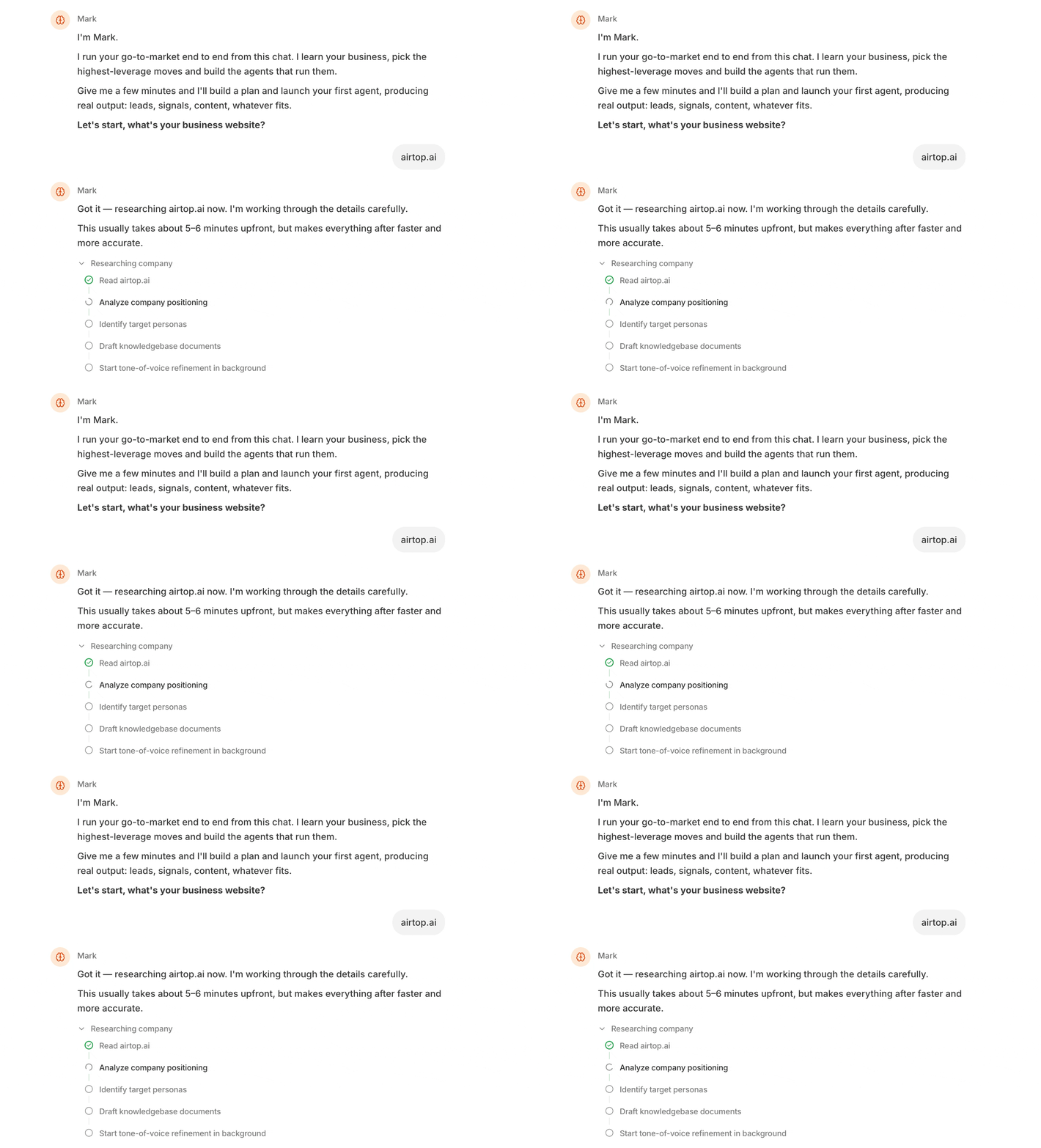
Mark is an AI marketing agent that turns your go-to-market goals into repeatable, scalable workflows. Mark helps you identify opportunities, prioritize actions, and build the agents you need to reach your marketing goals.
To get started, open [Mark in the Airtop Portal](https://portal.airtop.ai/gtm-engineer) and tell Mark about your company and goals.
 ## What Mark can do
### Built-in marketing expertise
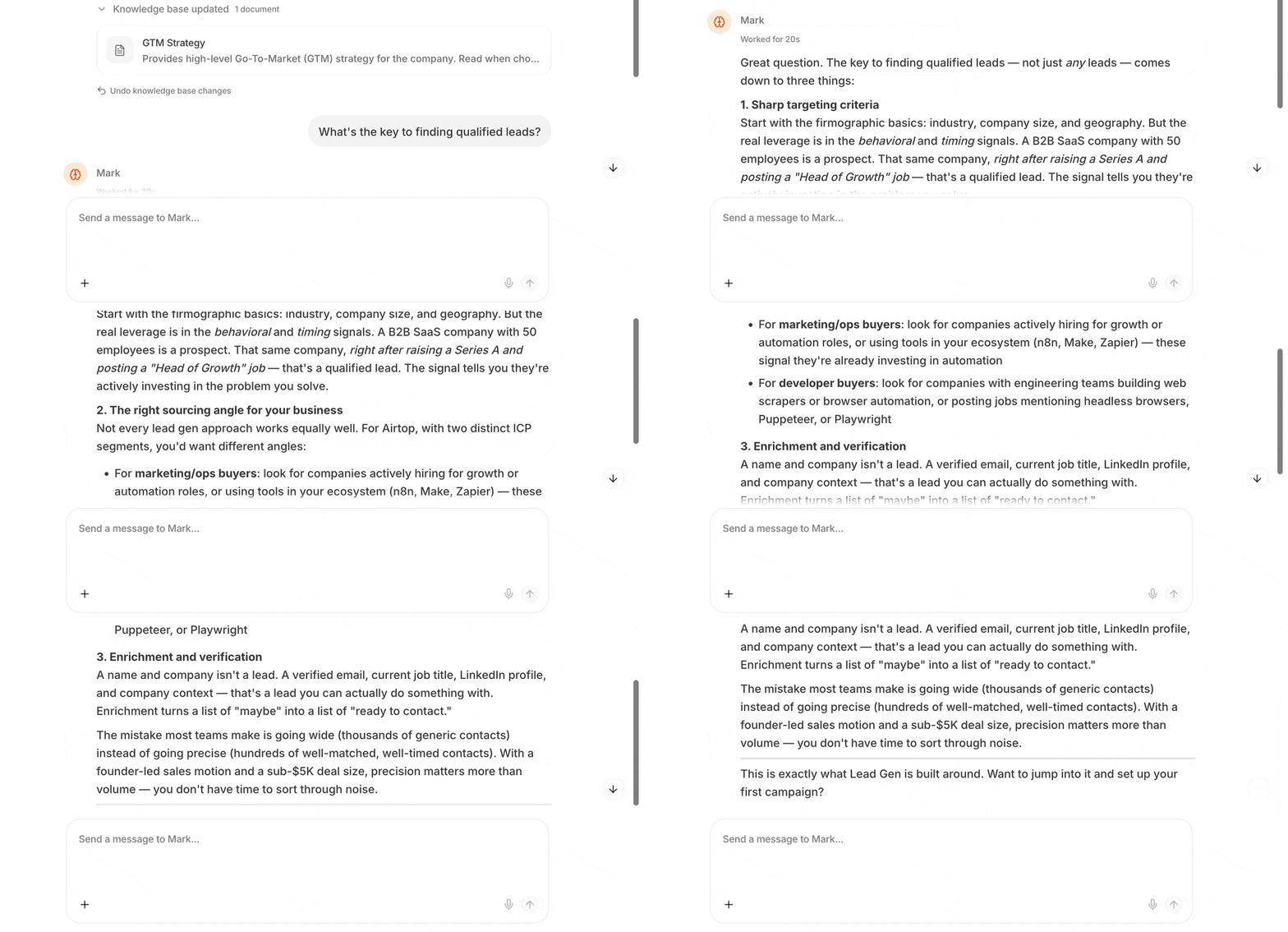
Mark comes with specialized marketing knowledge. Ask Mark a marketing question, and it provides an answer tailored to your company's context by combining your business information with marketing best practices.
## What Mark can do
### Built-in marketing expertise
Mark comes with specialized marketing knowledge. Ask Mark a marketing question, and it provides an answer tailored to your company's context by combining your business information with marketing best practices.
 ### Knowledge Base
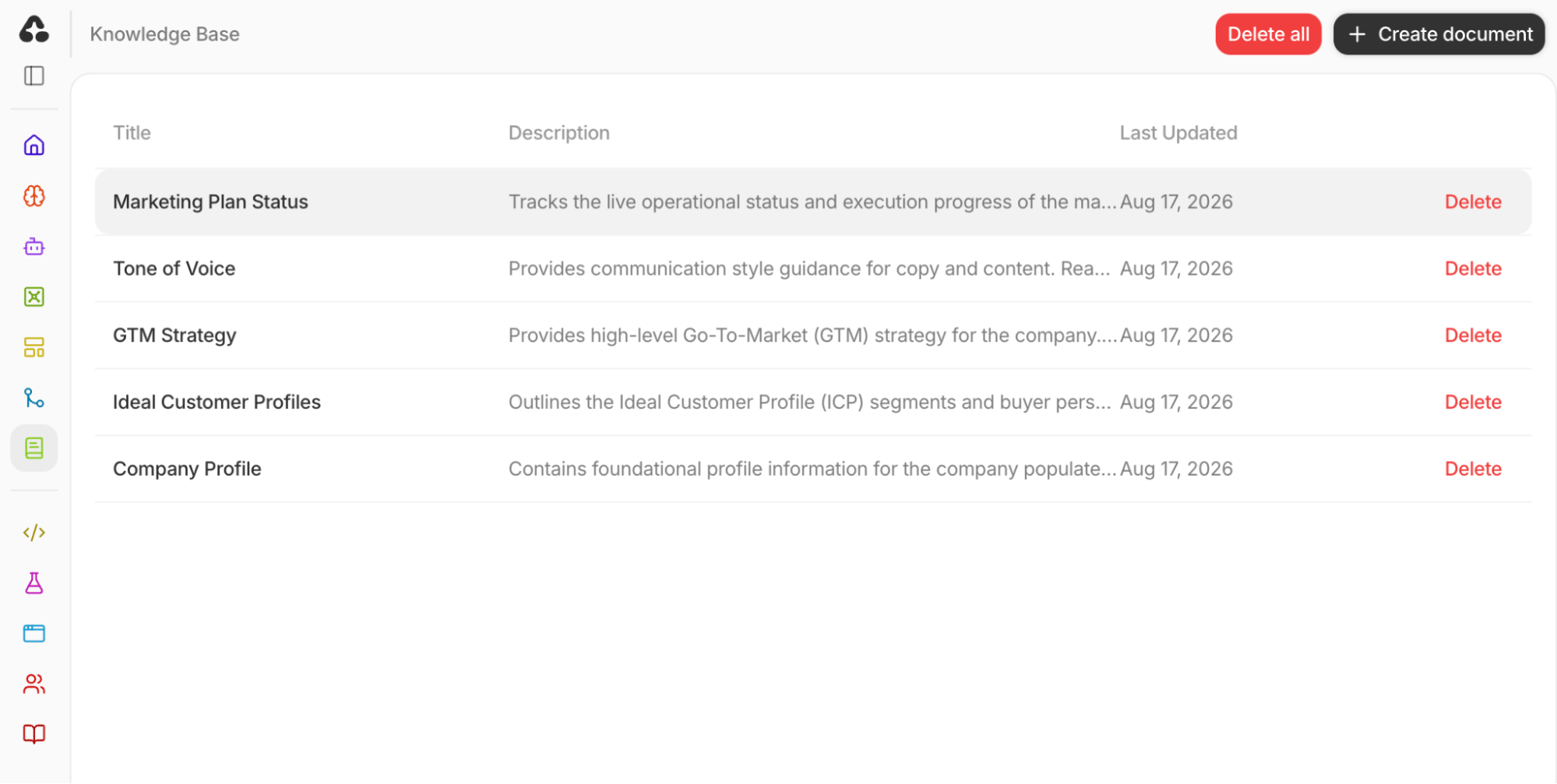
Mark keeps your business context in the [Knowledge Base](https://portal.airtop.ai/knowledge-base). The Knowledge Base is the shared source of truth for you, your team, and every agent you build.
Keep your documents current so Mark has the information it needs to run your go-to-market automations. Accurate source material helps your agents deliver better results.
### Knowledge Base
Mark keeps your business context in the [Knowledge Base](https://portal.airtop.ai/knowledge-base). The Knowledge Base is the shared source of truth for you, your team, and every agent you build.
Keep your documents current so Mark has the information it needs to run your go-to-market automations. Accurate source material helps your agents deliver better results.
 ### Repeatable agent automations
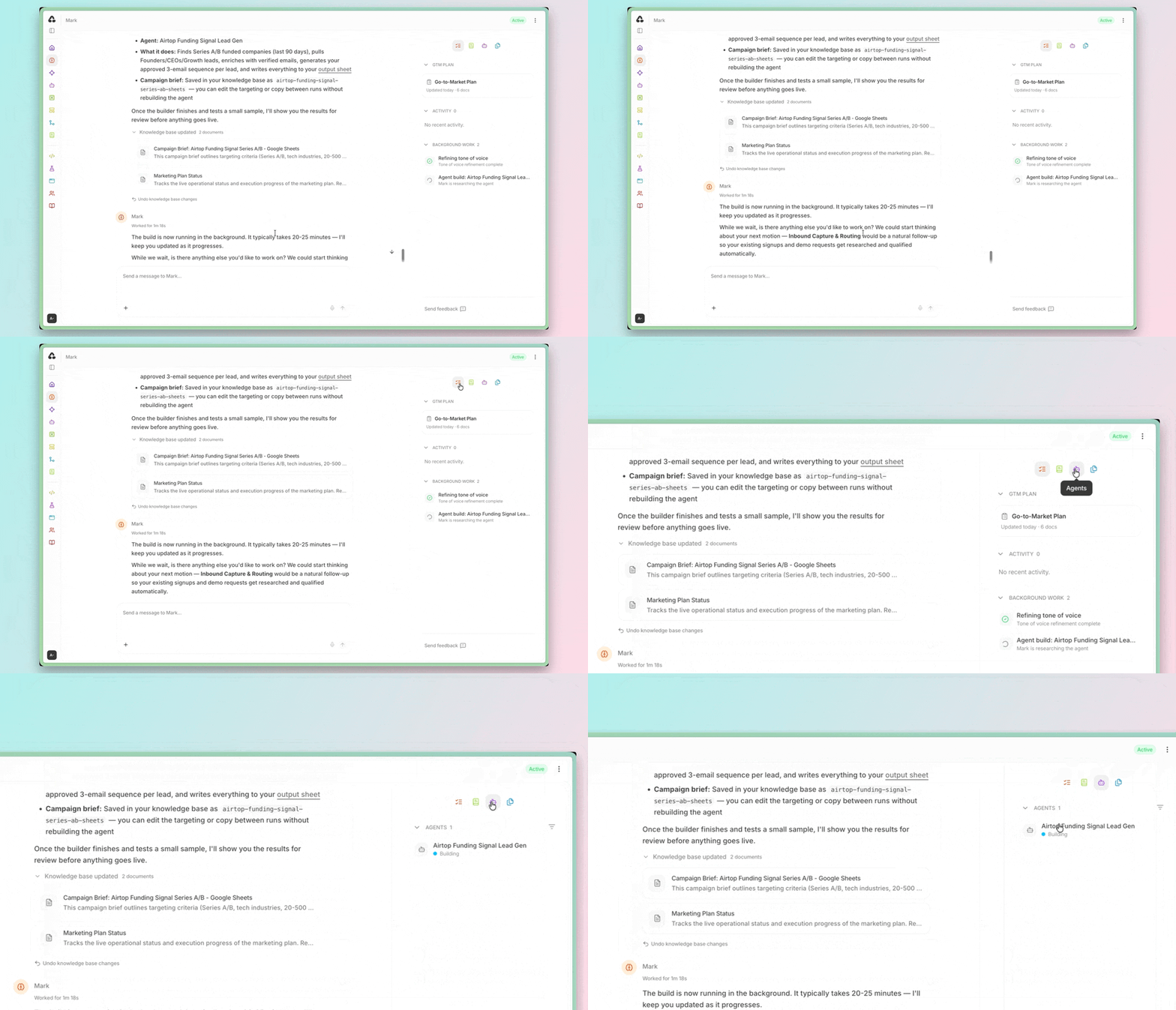
Mark transforms recurring marketing tasks into repeatable agents. You can use Mark to find and enrich leads, send personalized outreach, analyze Google Ads campaigns, and automate other go-to-market workflows.
After you provide the necessary context, Mark starts one or more background agents to build the automation and customize its parameters for your company.
### Repeatable agent automations
Mark transforms recurring marketing tasks into repeatable agents. You can use Mark to find and enrich leads, send personalized outreach, analyze Google Ads campaigns, and automate other go-to-market workflows.
After you provide the necessary context, Mark starts one or more background agents to build the automation and customize its parameters for your company.
 ### Service integrations
Mark can use your [connected integrations](/help/integrations/overview) to gather context for research and one-time automations. For example, you can ask Mark to extract a company list from a spreadsheet, enrich each company's business profile, and validate lead email addresses.
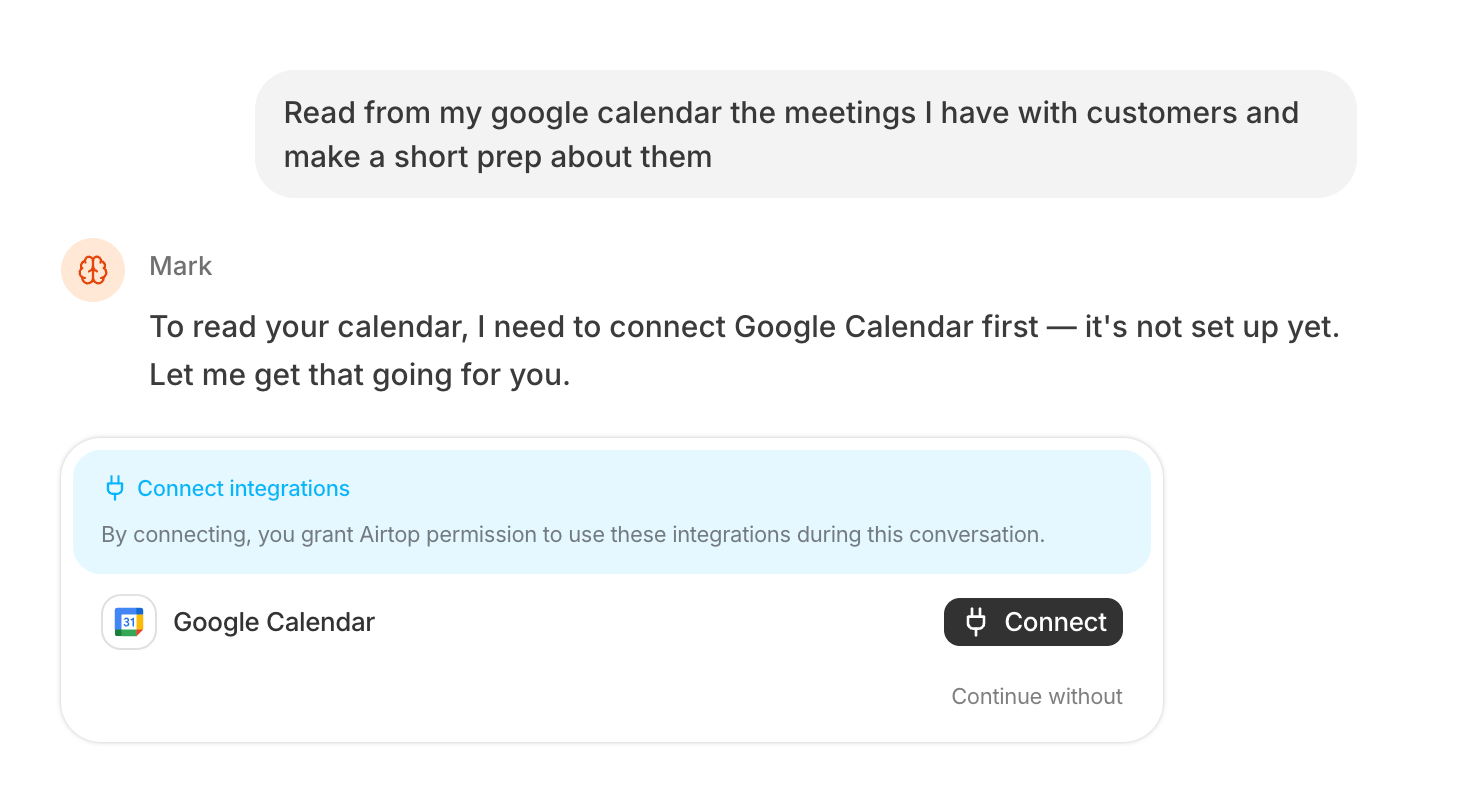
If an automation needs access to an external service, Mark prompts you to connect it. You can disable an active integration at any time from the [Integrations page in the Airtop Portal](https://portal.airtop.ai/integrations).
### Service integrations
Mark can use your [connected integrations](/help/integrations/overview) to gather context for research and one-time automations. For example, you can ask Mark to extract a company list from a spreadsheet, enrich each company's business profile, and validate lead email addresses.
If an automation needs access to an external service, Mark prompts you to connect it. You can disable an active integration at any time from the [Integrations page in the Airtop Portal](https://portal.airtop.ai/integrations).
 ## Plans and pricing
* **Trial:** Try Mark free for 7 days or until you use your initial credits.
* **Availability:** Mark is included with the Professional plan and above. See the [Airtop pricing page](https://www.airtop.ai/pricing) for a complete comparison of plans and features.
## Plans and pricing
* **Trial:** Try Mark free for 7 days or until you use your initial credits.
* **Availability:** Mark is included with the Professional plan and above. See the [Airtop pricing page](https://www.airtop.ai/pricing) for a complete comparison of plans and features.